Best Photoshop Alternatives for Changing Outfits in Photos (2026)
Published July 10, 2026 · OutfitGen Team
The best Photoshop alternatives for changing outfits in photos are AI tools that turn a typed clothing request into a realistic edit, plus manual browser editors for people who still want layers.
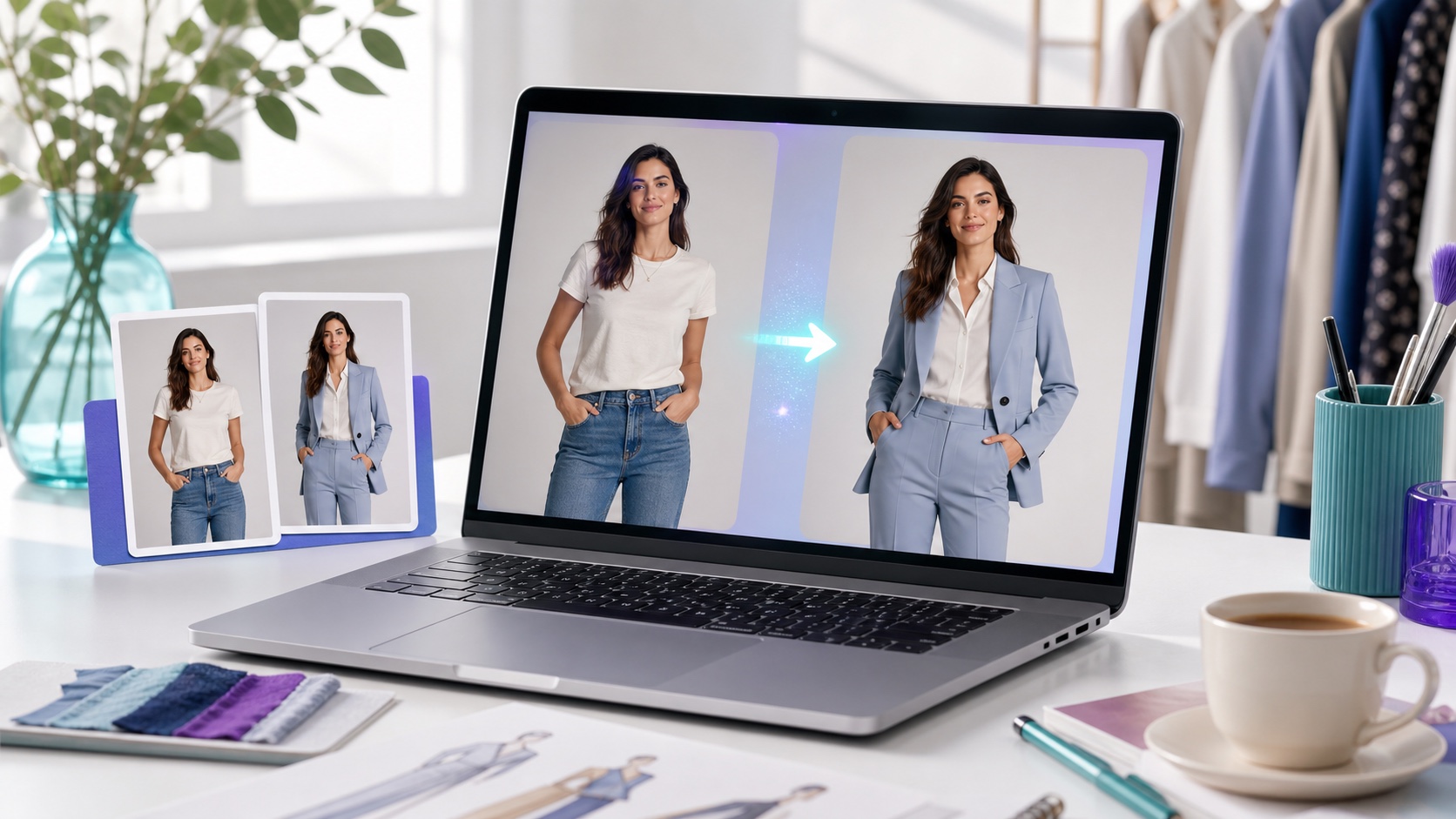
Comparison table: best Photoshop alternatives for outfit changes (2026)
| Tool | Best for | How it works | Free option | Skill needed |
|---|---|---|---|---|
| OutfitGen | Fast, realistic personal outfit swaps | Type the outfit, AI regenerates it | Yes - free, no signup to start | None |
| Pincel | Precise control over one garment | Brush the garment, prompt the swap | Free trial, no card | Low |
| Fotor | All-in-one editing + outfit change | Upload portrait, pick/prompt outfit | Free tier | Low |
| WearView / FASHN / Photta | E-commerce catalog & on-model shots | Flat-lay or model swap, batch | Free credits/trial | Low |
| Adobe Firefly / Photoshop | Adobe users, manual finishing | Generative Fill + manual tools | Trial only | Medium-High |
| Photopea | Free manual Photoshop-style editing | Layers and masking, by hand | Free (ad-supported) | High |
Features and pricing change often; confirm current details on each tool's site.
The best Photoshop alternatives, explained
1. OutfitGen - best for fast, realistic outfit swaps
OutfitGen is a web-based AI clothes changer built specifically for fashion, so you type the outfit you want ("black tailored suit," "summer floral dress") and it regenerates the clothing on your photo in seconds. It is free to start with no signup, with more free credits after, and it keeps the job focused on clothing rather than making you learn layer masks. Best for: everyday users, resellers, and creators who want a realistic result with zero editing skill. Limitation: works best on a single, clearly visible person and offers less pixel-level control than a manual editor.
2. Pincel - best for precise, masked control
Pincel is a brush-and-prompt clothes changer: you mask the exact garment you want to change, type a description, and it regenerates only that region while keeping the rest of the person, pose, and background untouched. Best for: users who want to control precisely which garment changes. Limitation: the masking step adds a little effort versus a pure type-and-go tool.
3. Fotor - best all-in-one editor
Fotor is a long-standing photo-editing brand whose AI clothes changer sits next to a background remover, AI headshot tool, and photo enhancer. You upload a portrait and pick a preset outfit style or prompt one. Best for: people who want outfit changes plus general editing in one place. Limitation: as a general suite, its clothing realism can trail fashion-specific tools.
4. WearView / FASHN / Photta - best for e-commerce catalogs
These are commercial, e-commerce-focused tools. WearView combines clothing swap, model swap, and flat-lay-to-model in one workspace with consistent model identity; FASHN and Photta are strong for catalog work, and Photta is positioned as a lower-cost option for modest-volume sellers. Best for: sellers producing on-model product photos at scale. Limitation: oriented to sellers, so they're heavier than a quick personal tool.
5. Adobe Firefly and Photoshop - best if you already use Adobe
Photoshop's Generative Fill and Adobe Firefly can replace or restyle clothing using AI inside Adobe's ecosystem, with full manual tools available for finishing. Best for: existing Adobe subscribers and pros who want AI plus manual control. Limitation: paid subscription and a steeper learning curve than standalone AI tools.
6. Photopea - best free manual alternative
Photopea is a free, browser-based editor that closely mirrors Photoshop's layers-and-masking workflow. It has no dedicated AI outfit changer, so outfit swaps are fully manual. Best for: people who specifically want Photoshop-style manual control for free. Limitation: same learning curve as Photoshop and no one-click AI outfit change.
Which alternative is best for you?
- You just want a realistic outfit change fast: OutfitGen - type it, done in seconds, free to try.
- You need to change one specific garment precisely: Pincel - brush and prompt only that item.
- You want editing plus outfit changes in one app: Fotor.
- You're a seller making catalog / on-model photos: WearView, FASHN, or Photta.
- You already pay for Adobe and want manual finishing: Firefly / Photoshop.
- You want free, manual, Photoshop-style control: Photopea.
Why use a Photoshop alternative for outfit changes at all?
Photoshop is built for pixel-level control, not quick clothing swaps. Changing an outfit in Photoshop means manually masking the garment and matching fabric, folds, and lighting by hand - typically 20-60 minutes per image and real skill. AI alternatives collapse that into a single typed instruction because the model understands the request and regenerates the clothing directly, preserving pose and lighting. For occasional or high-volume outfit edits, that is faster, cheaper, and accessible to non-designers.
How to change an outfit without Photoshop (using OutfitGen)
- Choose a well-lit photo with one clearly visible person.
- Open the AI Clothes Changer and upload it - no install or account needed to start.
- Type the outfit, naming fabric, color, and fit ("fitted charcoal wool blazer, matte finish").
- Generate, then compare against the original for pose and lighting consistency.
- Refine the wording or use a higher-quality mode if needed, then download.
How we ranked these alternatives
For outfit changes, the best tool is not always the broadest editor. We ranked the options by the practical job a user is trying to finish: upload one photo, change the clothing, and get a result that does not look pasted on. That means realism, speed, ease of use, and privacy matter more than how many unrelated editing features sit in the sidebar.
The most important factor is identity preservation. A good clothes changer should keep the face, hair, body angle, and background consistent. If the result changes the person's expression or moves the shoulders, the edit may look polished at first glance but wrong when compared with the source photo. Fashion-specific tools usually perform better here because the model is focused on clothing replacement rather than rewriting the whole scene.
The second factor is clothing control. A vague prompt like "make it formal" can work, but a better tool should understand more specific requests: "navy double-breasted blazer," "cream linen shirt," "black satin evening dress," or "red varsity jacket with white sleeves." OutfitGen, Pincel, and similar tools are stronger when they understand fabric, color, fit, and garment type in one instruction.
The third factor is how much skill the user needs. Photoshop and Photopea can produce excellent results, but only if the person using them knows masking, blending, selections, color correction, and shadow work. That is why they rank lower for casual outfit changes. A tool can be more powerful overall and still be worse for a beginner who only needs one believable clothing swap.
Finally, we considered workflow friction. Browser-based AI tools win when they do not require an install, a design background, or a long setup path. Seller-focused tools win when they add batch workflows or consistent model features. Manual editors win only when the image needs detailed correction after the AI result.
Prompt examples that work better than "change my outfit"
Good prompts describe the garment the way a stylist or photographer would. The model needs enough detail to infer material, silhouette, and lighting.
| Goal | Better prompt |
|---|---|
| Professional headshot | "tailored navy blazer over a white crewneck shirt, matte wool fabric, natural fit" |
| Dating profile refresh | "relaxed cream linen shirt, open collar, casual summer style" |
| Fashion listing | "model wearing this black midi dress, clean studio lighting, natural fabric drape" |
| Sports fan photo | "generic blue soccer jersey with white trim, no logos, realistic athletic fabric" |
| Event outfit | "emerald satin evening dress, soft folds, elegant fit, same pose and background" |
If the first result looks too flat, add fabric language. If the edges look odd, simplify the outfit. If the person changes too much, ask for "same face, same pose, same background" and avoid asking for a new pose at the same time as a clothing change.
When to combine AI with a manual editor
For most single-person outfit changes, AI is enough. A manual editor becomes useful when the image has a difficult edge, such as hair over a collar, a hand crossing the shirt, or a handbag strap over the garment. In those cases, use AI for the main outfit swap, then finish tiny issues in Photoshop, Photopea, or another manual editor.
This hybrid workflow is faster than doing the entire edit by hand. The AI handles fabric generation and lighting; the manual tool handles the last five percent, such as cleaning a cuff, softening a neckline, or removing a small artifact. Non-designers usually do not need this step, but sellers may want it for hero catalog images.
Red flags when comparing tools
Be cautious with tools that only show perfect studio examples and do not let you test your own source photo. Outfit changes are easy on ideal demo images and harder on phone photos, outdoor lighting, patterned clothes, or unusual poses. A useful tool should let you test quickly before paying much.
Also watch for results that look realistic in isolation but fail when compared with the original. The most common problems are changed face shape, shifted shoulders, mismatched shadows, and clothing that ignores body angle. If a tool repeatedly rewrites the person instead of the clothing, it is not a dependable Photoshop alternative for outfit changes.
Honest limitations of AI outfit changers
AI clothes changers are weakest with multiple people in one photo, very intricate patterns, and extreme poses, where edge handling (necklines, cuffs, hems) can slip. For single-subject photos with normal poses, the top tools handle these transitions cleanly; for edge cases, regenerate and pick the best result or finish in a manual editor.
FAQ
What is the best Photoshop alternative for changing outfits?
For fast, realistic outfit swaps with no skill needed, OutfitGen is the best web-based option and is free to start with no signup. Pincel is best for precise masked control, and WearView, FASHN, or Photta are best for e-commerce catalogs.
Is there a free Photoshop alternative for changing clothes?
Yes. OutfitGen is free to start with no signup, Photta and Pincel offer free trials with no card, and Photopea is a fully free manual editor.
Which Photoshop alternative is easiest for beginners?
OutfitGen and Fotor are the easiest, because you describe the outfit in plain language instead of using layers and masks.
Do these tools keep my face, pose, and background?
Yes. AI clothes changers change only the clothing and preserve identity, pose, and background unless you ask otherwise.
Is Photoshop ever still the better choice?
Yes - for pixel-perfect manual compositing, multi-person scenes, and detailed finishing, Photoshop (or free Photopea) still leads.
How long does an AI outfit change take?
Seconds per generation, versus 20-60 minutes for a comparable manual edit in Photoshop.
Ready to try it yourself?
Get started with OutfitGen, 3 free generations, no sign-up required.
Try OutfitGen Free