OutfitGen: Web-Based AI Photo Editor for Outfits, Poses & Backgrounds
Upload a photo, describe the edit, and create new outfits, poses, backgrounds, product shots, or styles in seconds.
No editing skills neededNo credit card requiredMore outfit options
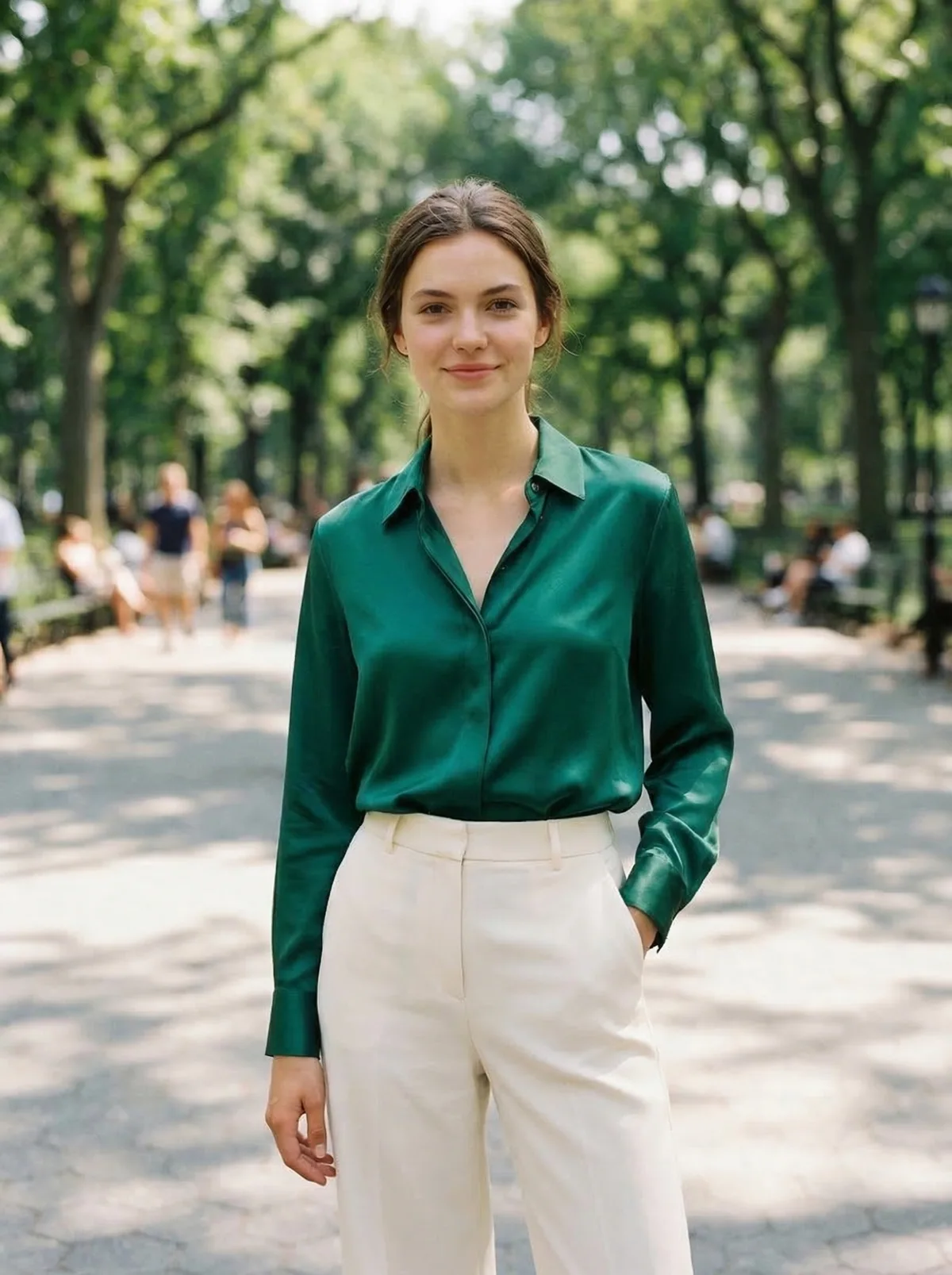
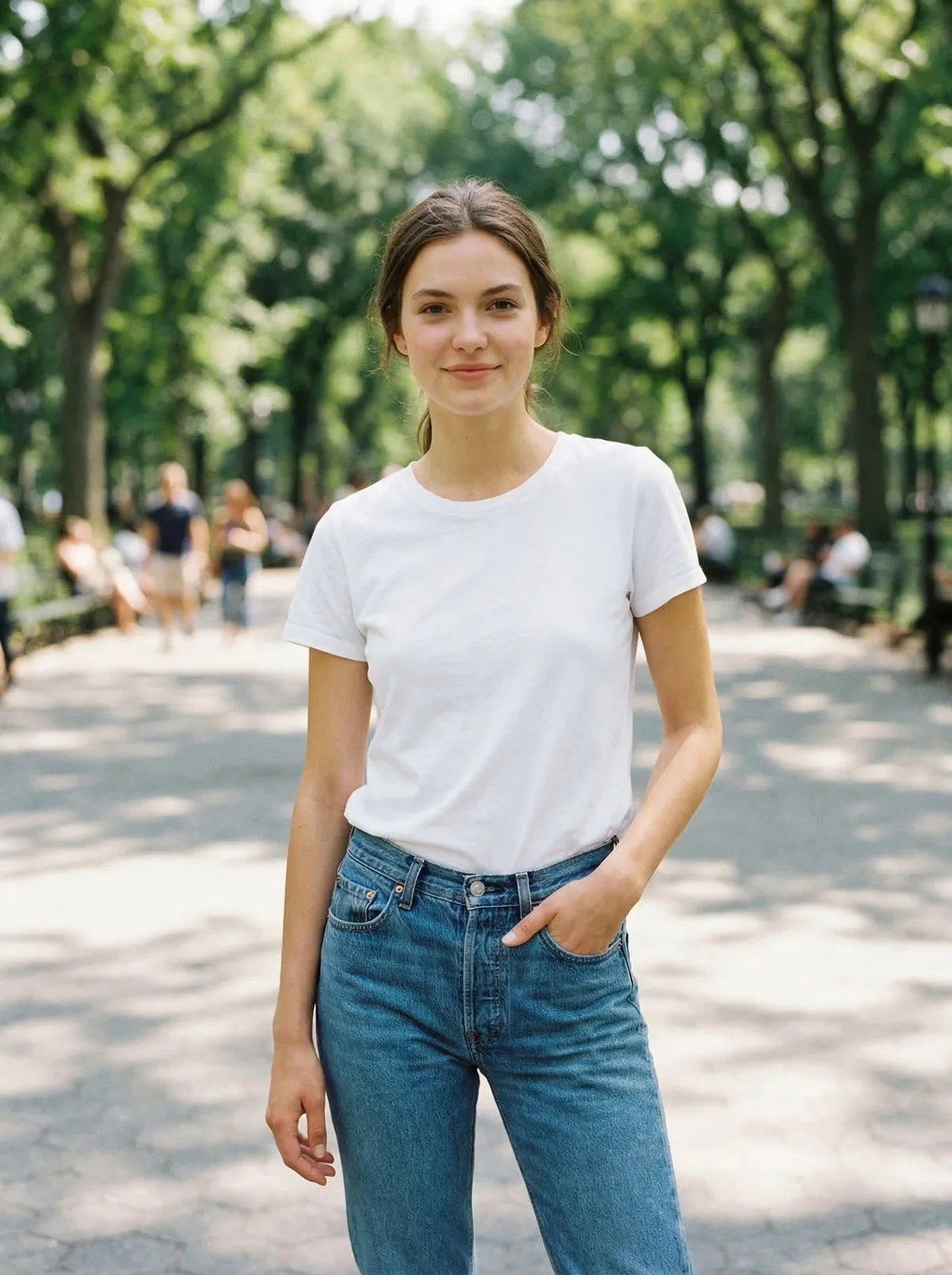
AI Clothes Changer
Most PopularSwap any outfit from a text description or reference garment.

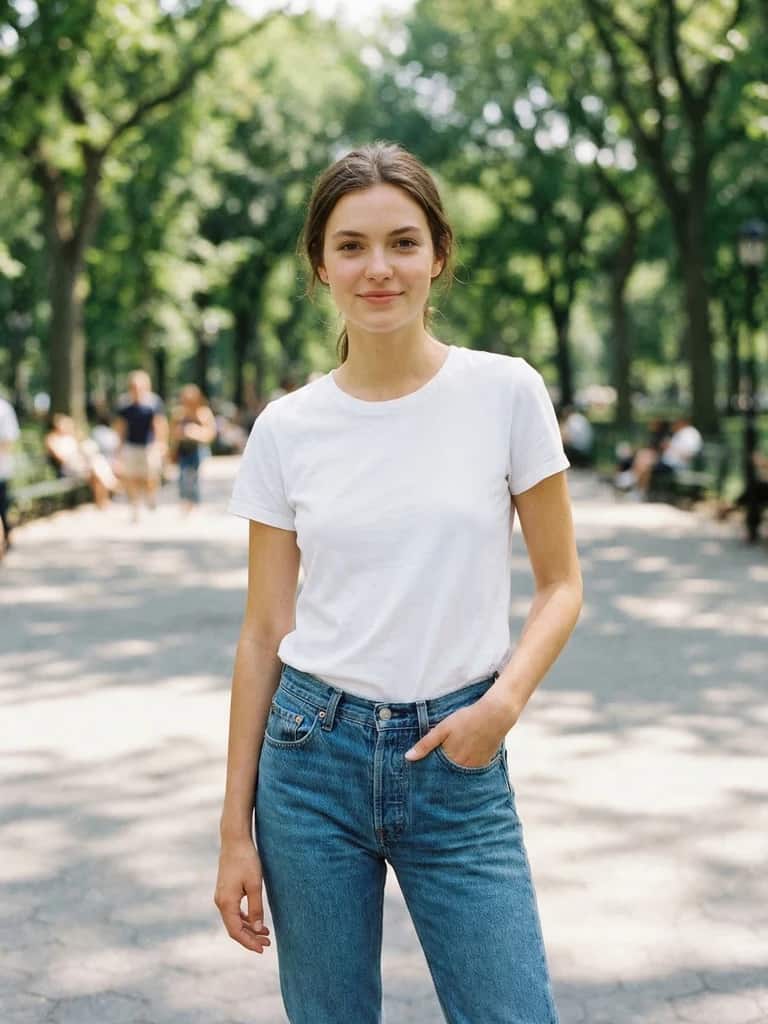
AI Pose Changer
NewPut the same person or character in a new pose.
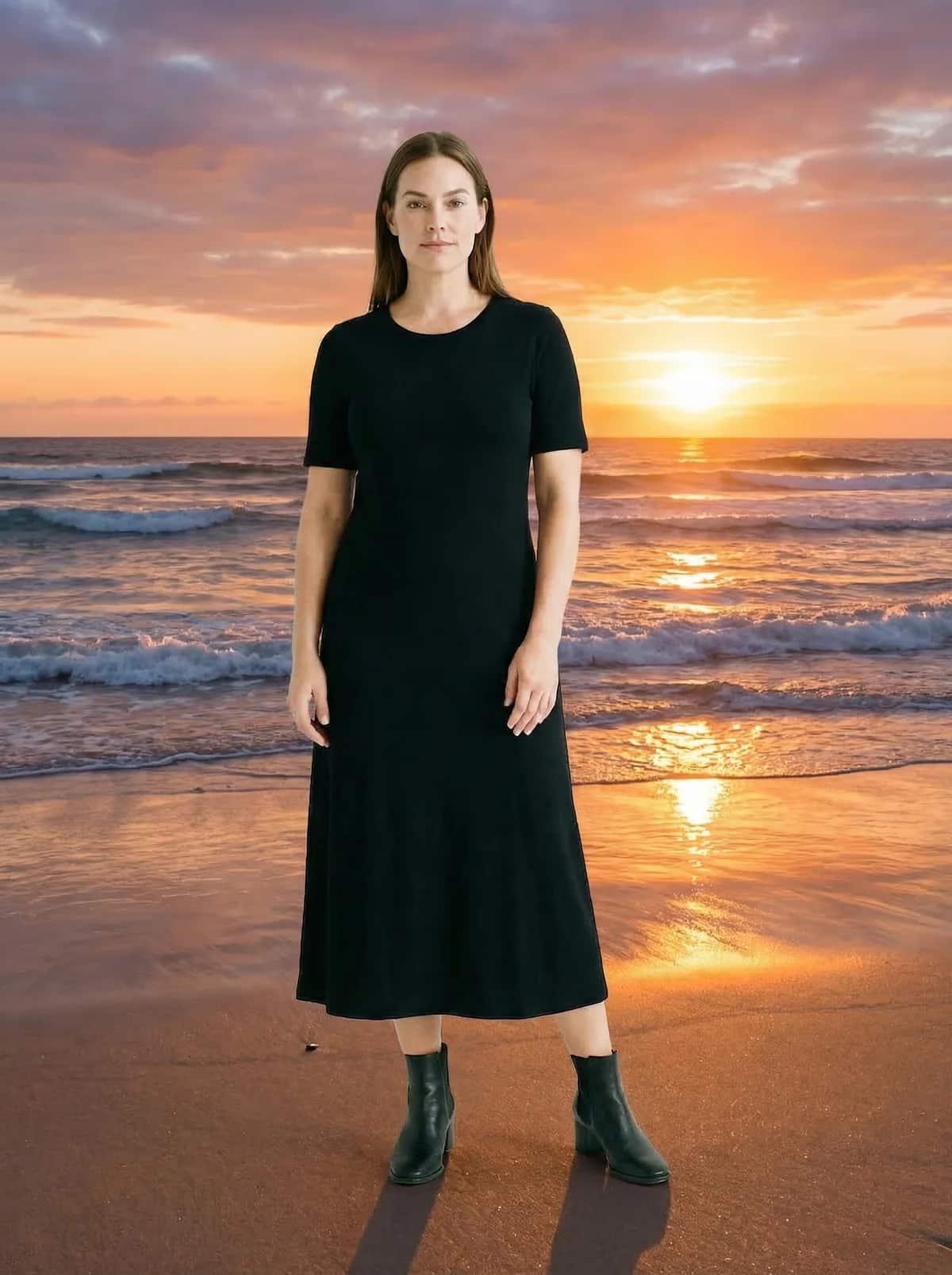
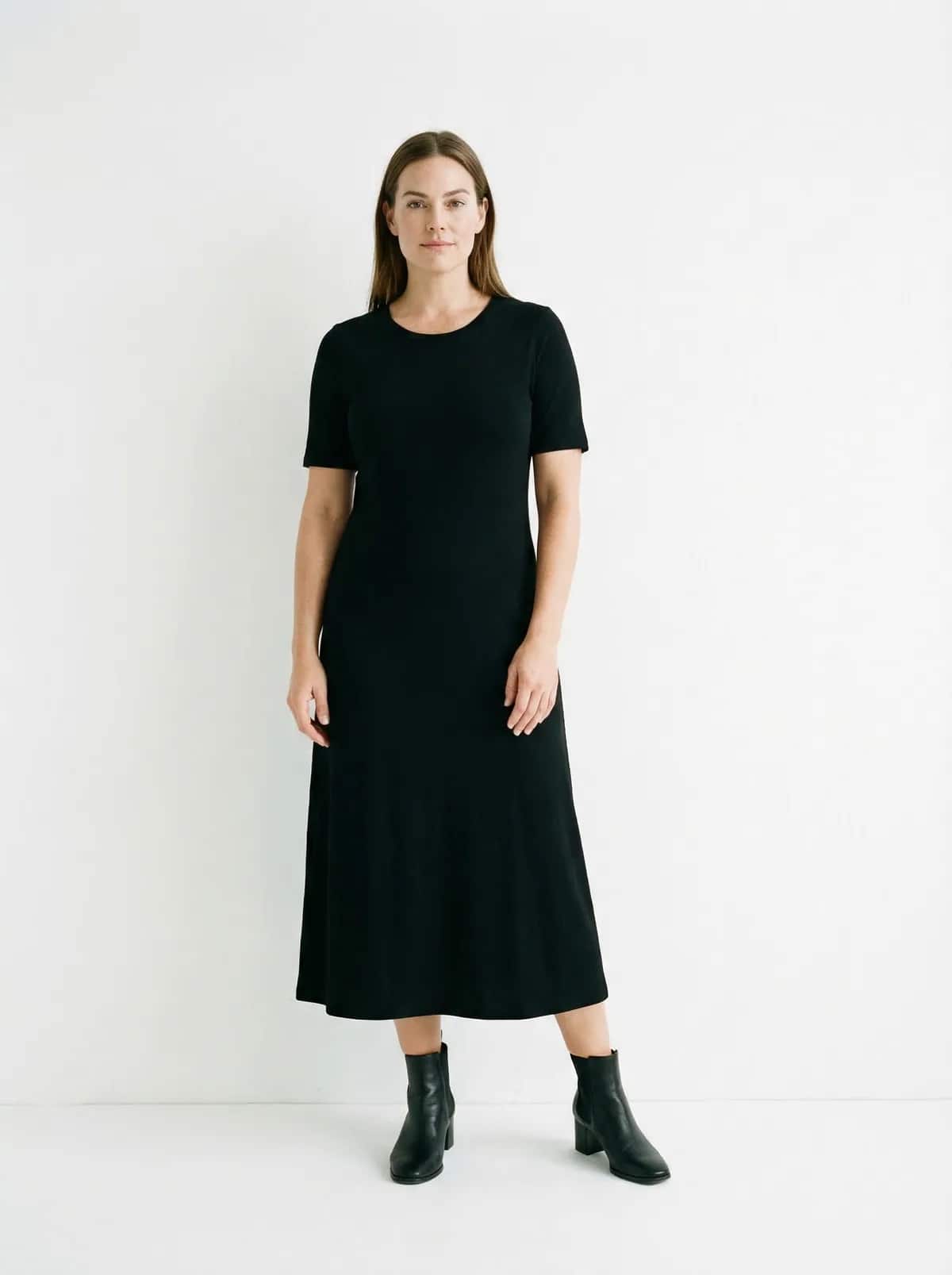
AI Background Changer
Replace the background with a preset or described scene.


AI Style Transfer
Re-render a photo as anime, watercolor, oil painting, and more.
Platform-ready exports
Export your edited photos sized correctly for Shopify, Etsy, Instagram, TikTok, Poshmark, and eBay listings. Platform-ready exports do not mean direct platform integrations.
Results
One editor for the edits people request most
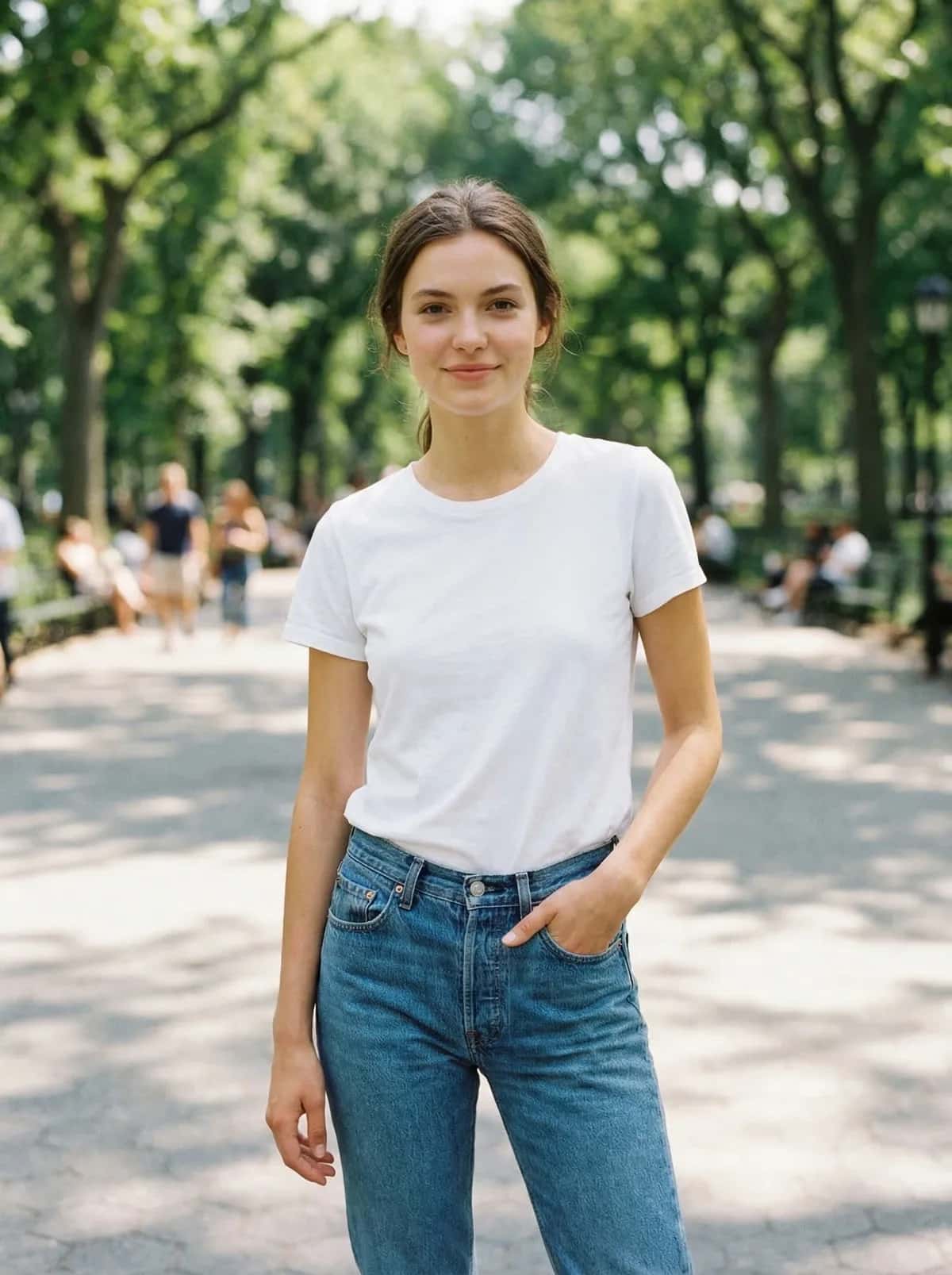
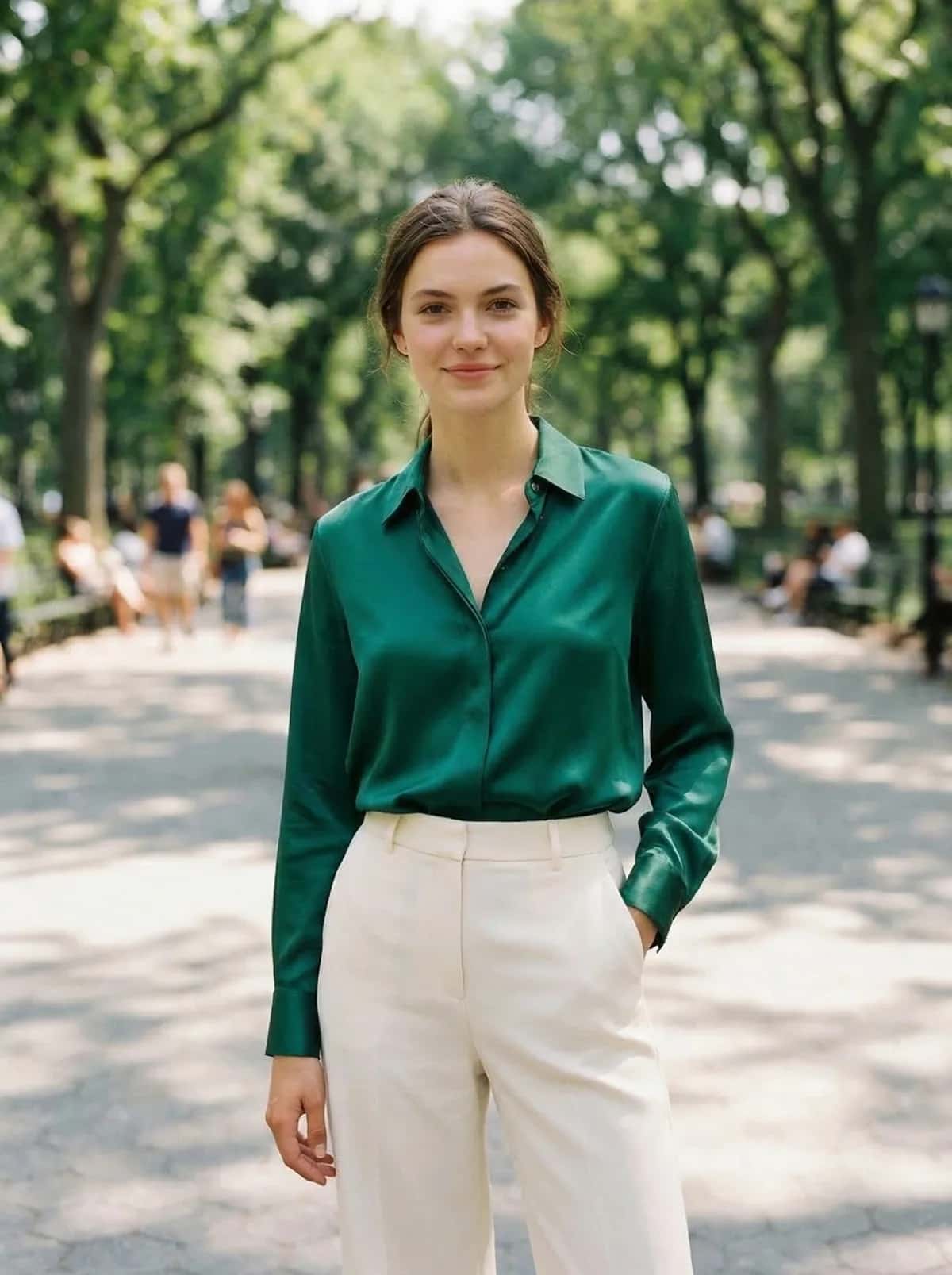
Outfit change
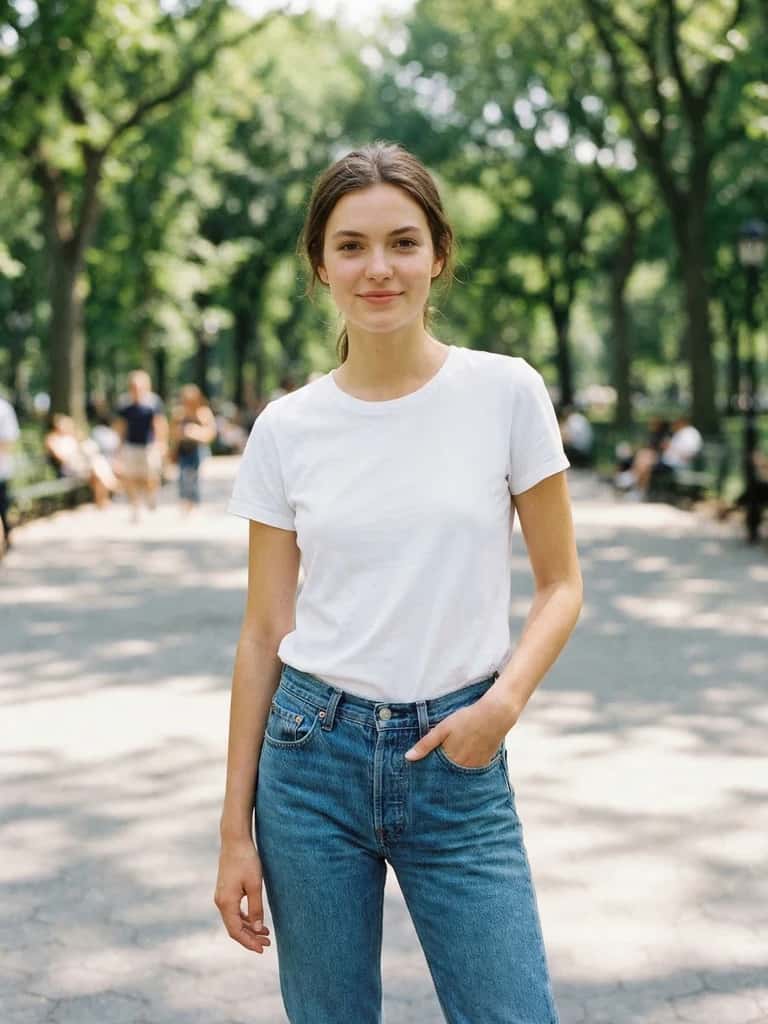
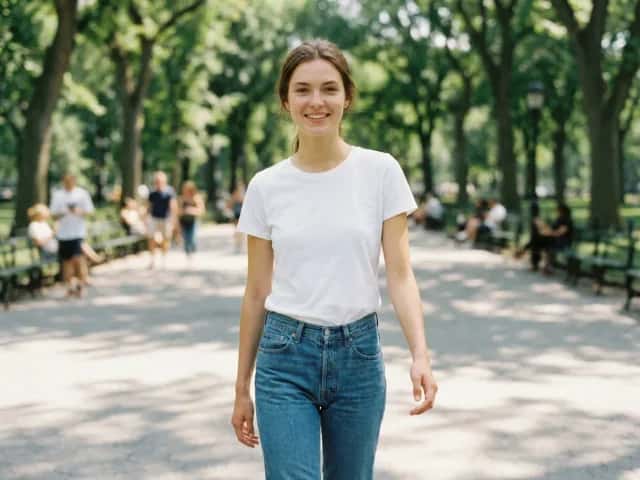
Pose change
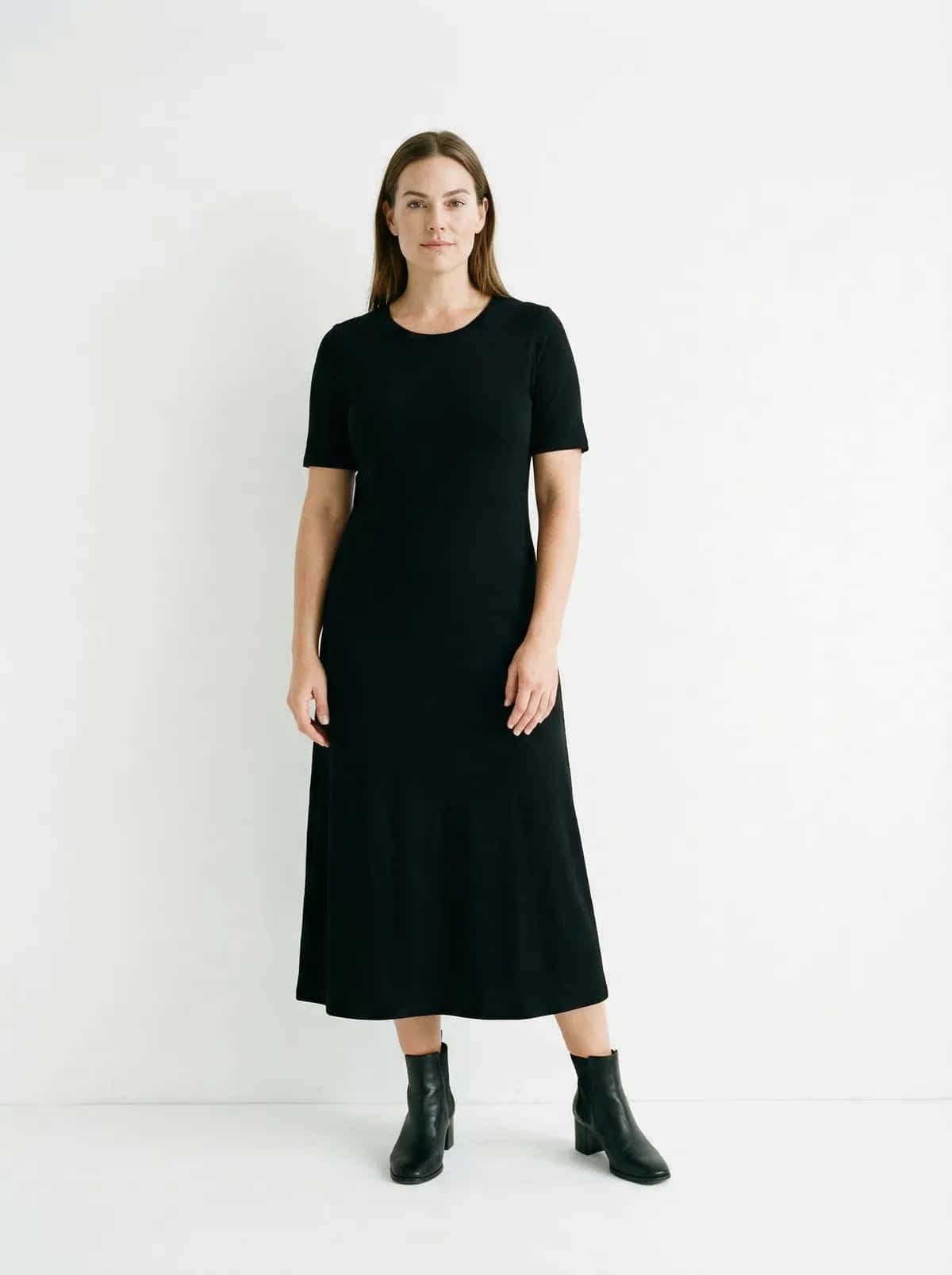
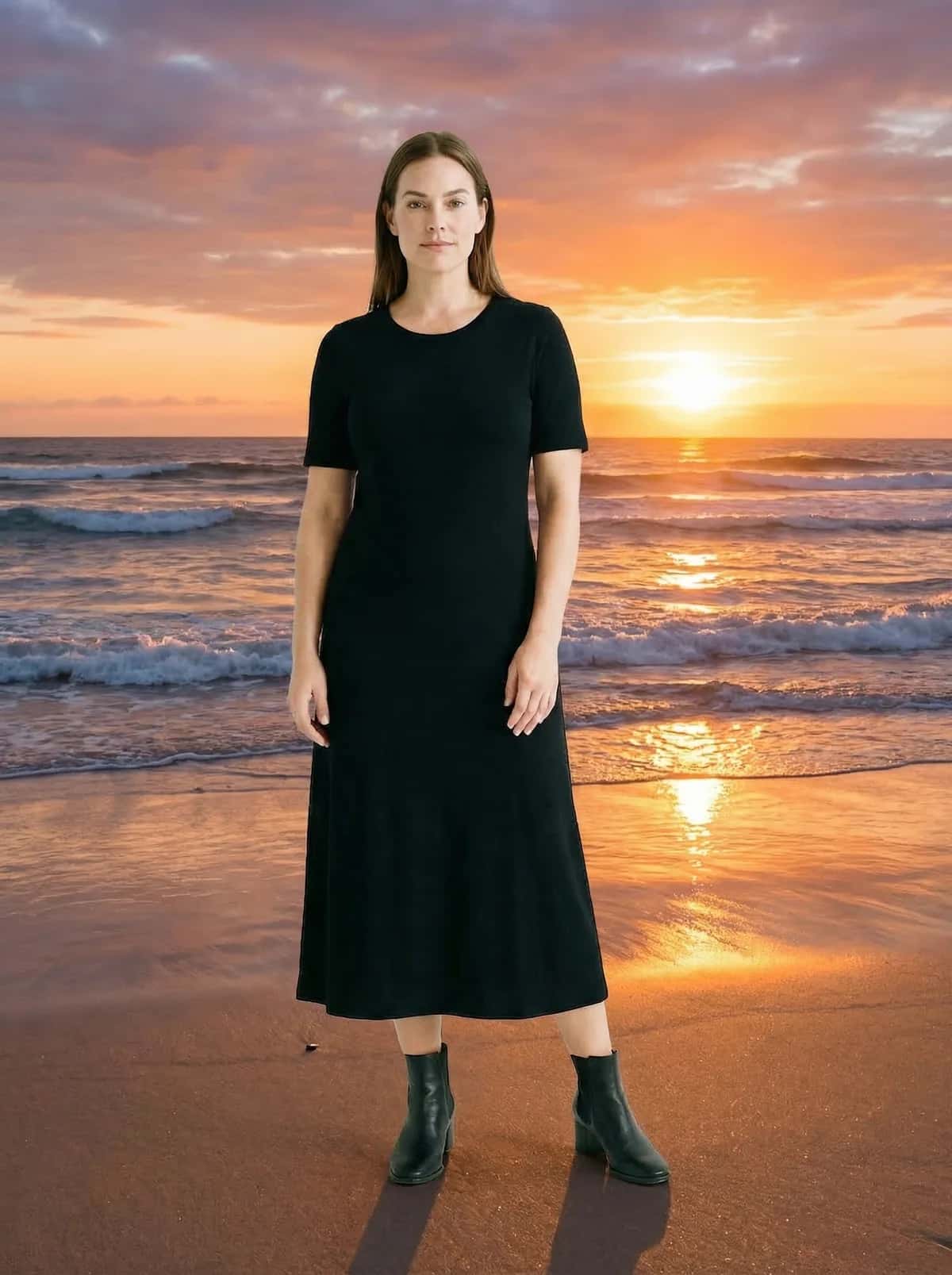
Background swap


Style transfer
How it works
Upload, describe, download
How OutfitGen works: upload a photo, describe the change in plain language, or upload a reference garment, and OutfitGen regenerates just that part of the image with the model matched to your request, keeping your face, body, and pose consistent.
Upload your photo
Describe the edit
Download in seconds
Supported inputs
JPG, PNG, and WebP up to 10MB. Phone photos and screenshots work best when one subject is clear.
Output
Create a new look from your original photo, then download the result or try another idea.
Free tier
Your first edit is free before signup, a free account adds more free credits, and no credit card is needed to start.
Paid tiers
Plus $6/mo (100 credits), Pro $15/mo (300 credits, Pro mode, priority processing), and Studio $49/mo (1,000 credits).
Known limitation
Single-subject photos work best. Multiple people in one photo are not well supported yet.
What you can do
Eight AI photo tools in one browser workspace
AI Clothes Changer
Swap any outfit from a text description or a reference garment.
AI Pose Changer
Put the same person or character in a new pose.
AI Background Changer
Replace the background with a preset or a described scene.
AI Style Transfer
Re-render a photo as anime, watercolor, oil painting, and more.
AI Virtual Try-On
Preview how an outfit looks on you before buying.
AI Product Photography
Create studio-style product and on-model shots without a shoot.
AI Jersey Swap
See yourself in any national team kit with one-tap presets.
AI Headshot Generator
Turn a casual photo into a professional headshot.
Use cases
Built for shoppers, sellers, creators, and fans
Resale and marketplace listings
Swap outfits for Poshmark, Depop, eBay, and Etsy listings without a new photoshoot.
Shopify and e-commerce product photos
Show an item on a model without booking a studio or producing every colorway by hand.
Social content
Create outfit, background, and style variations for TikTok and Instagram posts.
Jersey and team apparel
Put yourself in a World Cup kit or team colors from a photo you already have.
Proof and limits
Fast AI edits, with clear expectations
OutfitGen is built for fast browser-based edits, with honest limits around source quality, single-subject photos, and watermark behavior across plans.
1.2M+
photos transformed
Cumulative OutfitGen usage counter across outfit, pose, background, and style edits.
Your photo, a new look
no editing skills needed
Describe what you want to change and create an edited photo.
Every paid plan
watermark-free plans
Plus, Pro, and Studio downloads are watermark-free. Free output may include a watermark.
What people say
From shoppers, sellers, and creators.
“Had to choose between two dresses for my cousin's wedding. Tried them both on in under a minute. The burgundy wrap dress won. Ordered it that night. Zero regrets.”
Sarah M.
Poshmark seller
“Was spending $800 a shoot just to see how a shirt looked on a real person. Now we do it in-house for free. Return rate dropped 18% in the first month.”
James K.
Runs a Shopify store
“Put myself in 30 different outfits in an afternoon. My followers thought I actually bought all of them. I did not. This app is cheating in a good way.”
Priya R.
Fashion TikToker, 12K followers
FAQ
Is OutfitGen free to use?
Yes! Start free with no account or credit card. The tool shows how many free images you have left, and a free account adds more free credits. Paid plans start at $6/month for 100 credits.
Do I need an account?
No. Your first edit is free with no account or credit card, and a free account adds more free credits.
What happens after my free edits run out?
You can upgrade to a paid plan: Plus $6/mo (100 credits), Pro $15/mo (300 credits, Pro mode, priority processing), or Studio $49/mo (1,000 credits).
How much does OutfitGen cost?
Free to start. Plus is $6/month for 100 credits, Pro is $15/month for 300 credits with Pro mode and priority processing, and Studio is $49/month for 1,000 credits. Every paid plan is watermark-free.
What AI model does OutfitGen use?
OutfitGen runs and tests leading image models, including OpenAI's GPT Image 2.5, Black Forest Labs' FLUX.2, ByteDance's Seedream 5 and Google's Nano Banana 2 (Gemini 3.1 Flash Image), and picks the one that fits each edit. Choose Standard for fast everyday edits or Pro for the highest-fidelity faces, hair and fabric detail. Everything is processed server-side through fal.ai, with no downloads and no client-side AI.
Will OutfitGen change my face?
No. It edits only what you describe: outfit, pose, background, or style. Your face, hair, and skin tone stay the same.
Does it work with photos of multiple people?
It works best on single-subject photos. Multiple people in one photo are not well supported yet.
Can I use OutfitGen for commercial or product photos?
Yes. It is used for e-commerce and marketplace product and on-model photos, and commercial use is included on paid plans.
Is my photo data private?
Your photos and prompts stay private. We do not sell them, publish them, or use them in marketing without your permission. We use your upload to create the result you asked for, not to train models.
How long does an edit take?
Timing varies with the edit and how busy the service is. Some requests take longer. Keep the page open while your image is being created.
Your first edit is free
No account or credit card needed. Upgrade only when you need more credits or Pro mode.
Start free, no account