AI Style Transfer
Turn any photo into stunning art
Apply any artistic style in one click. Anime, oil painting, watercolor, pixel art, sketch, and more.
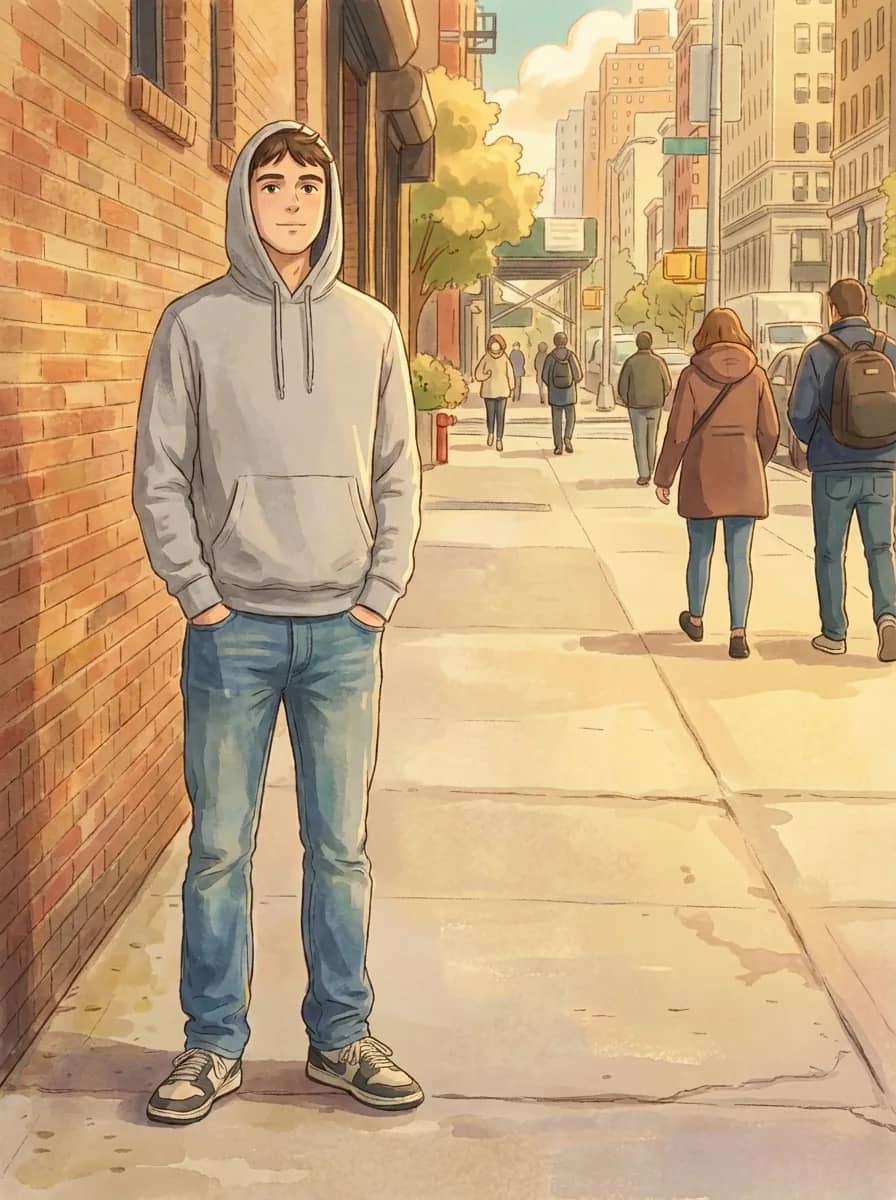
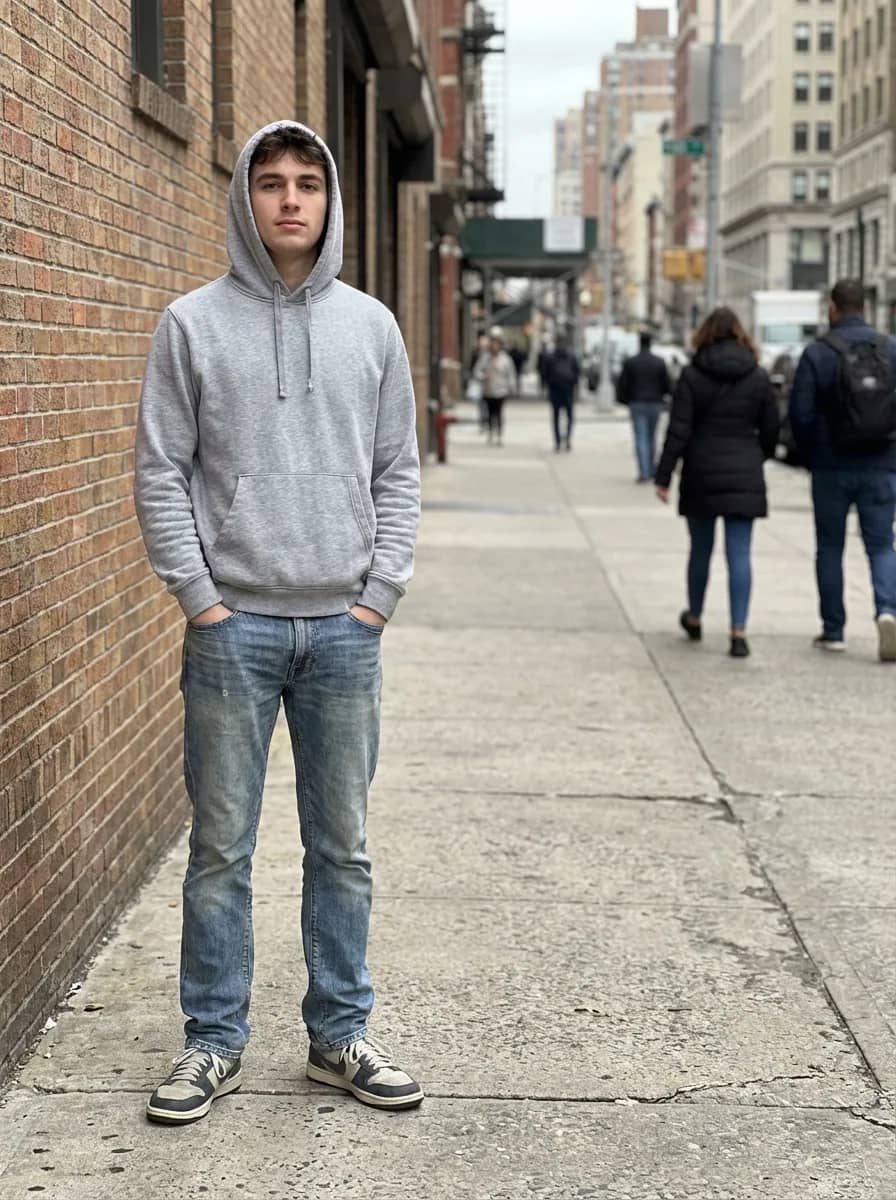
Drag the slider to compare
See what you can create
Real results from the AI style transfer.
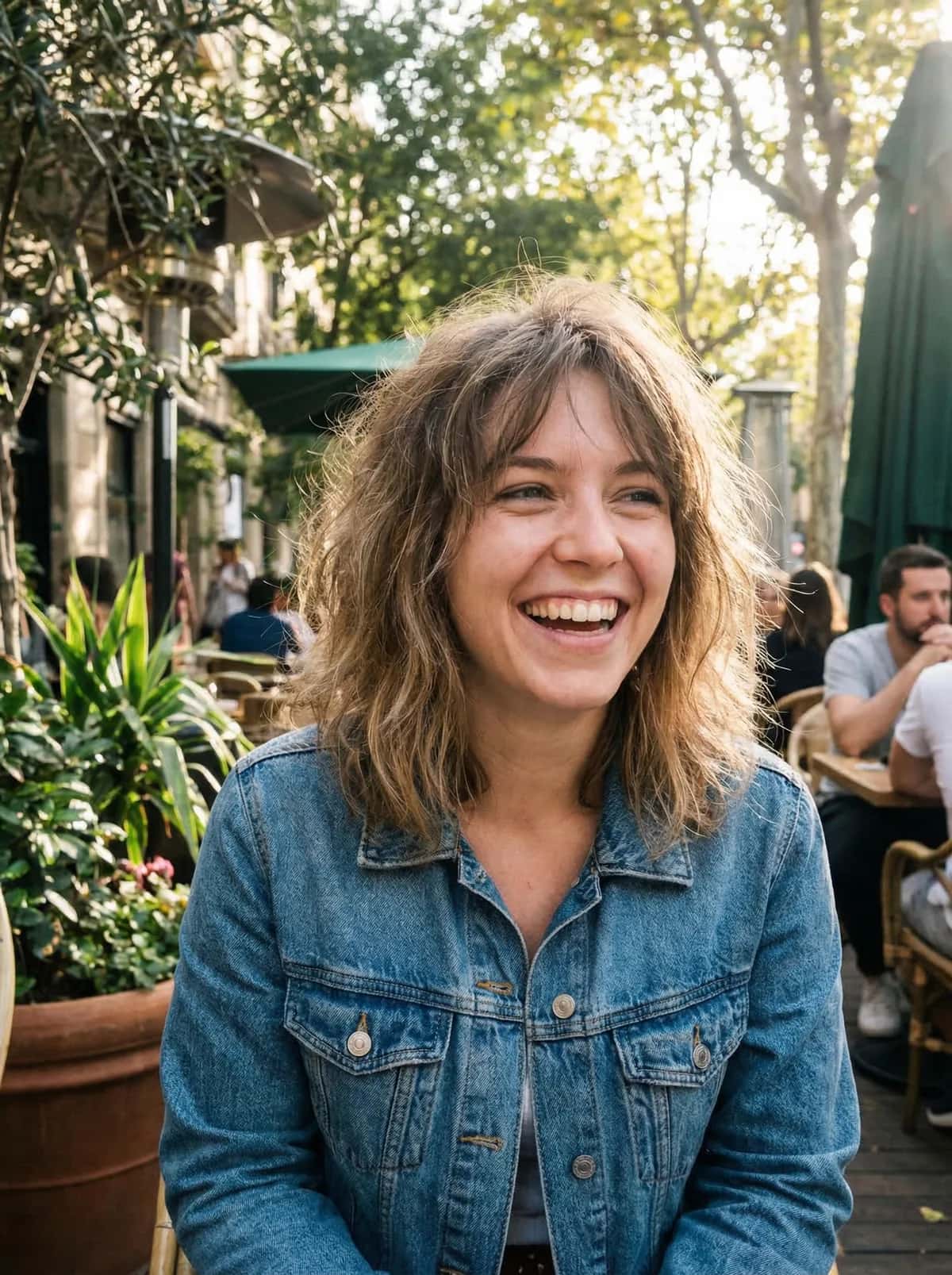
Before
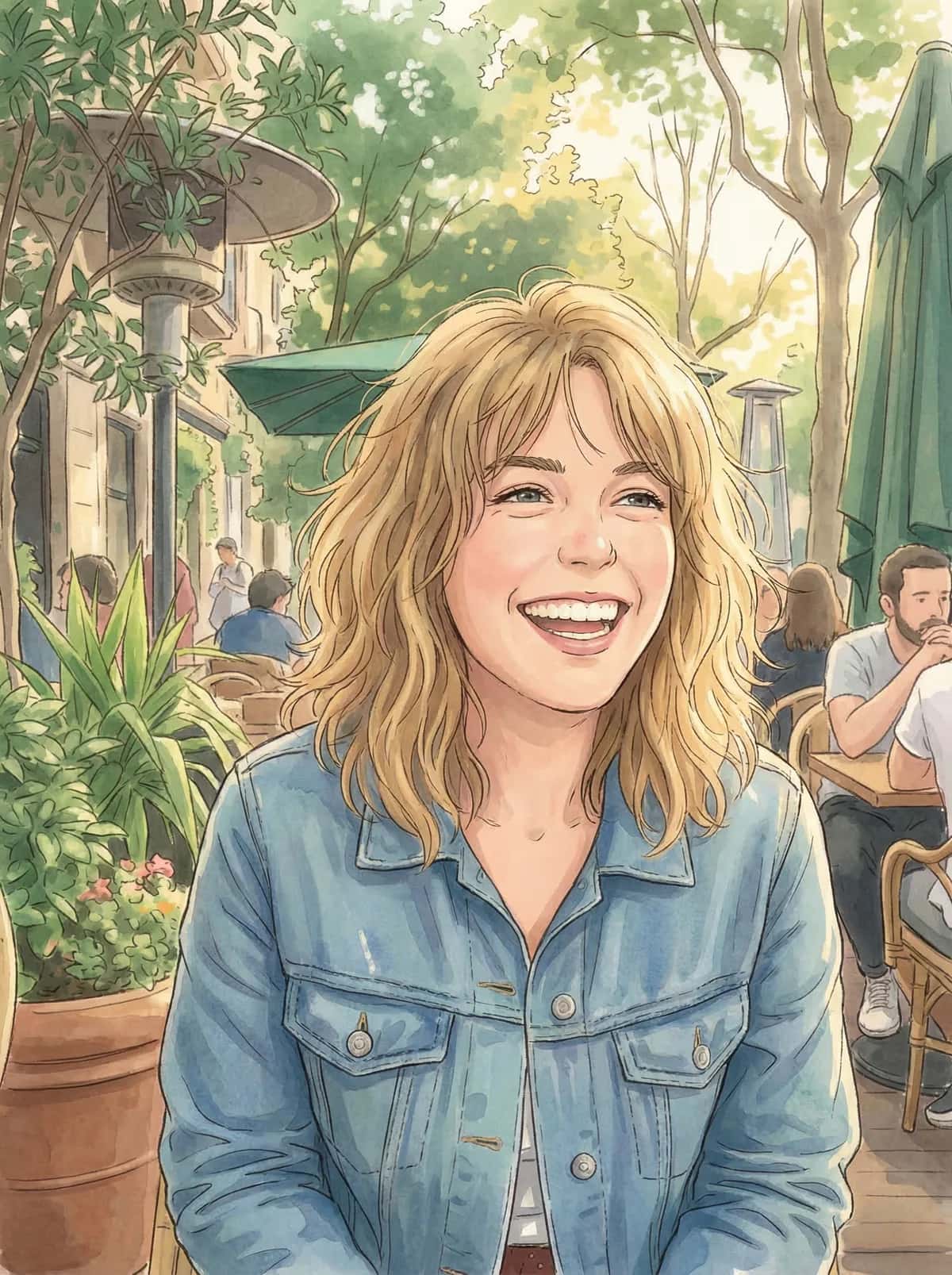
After
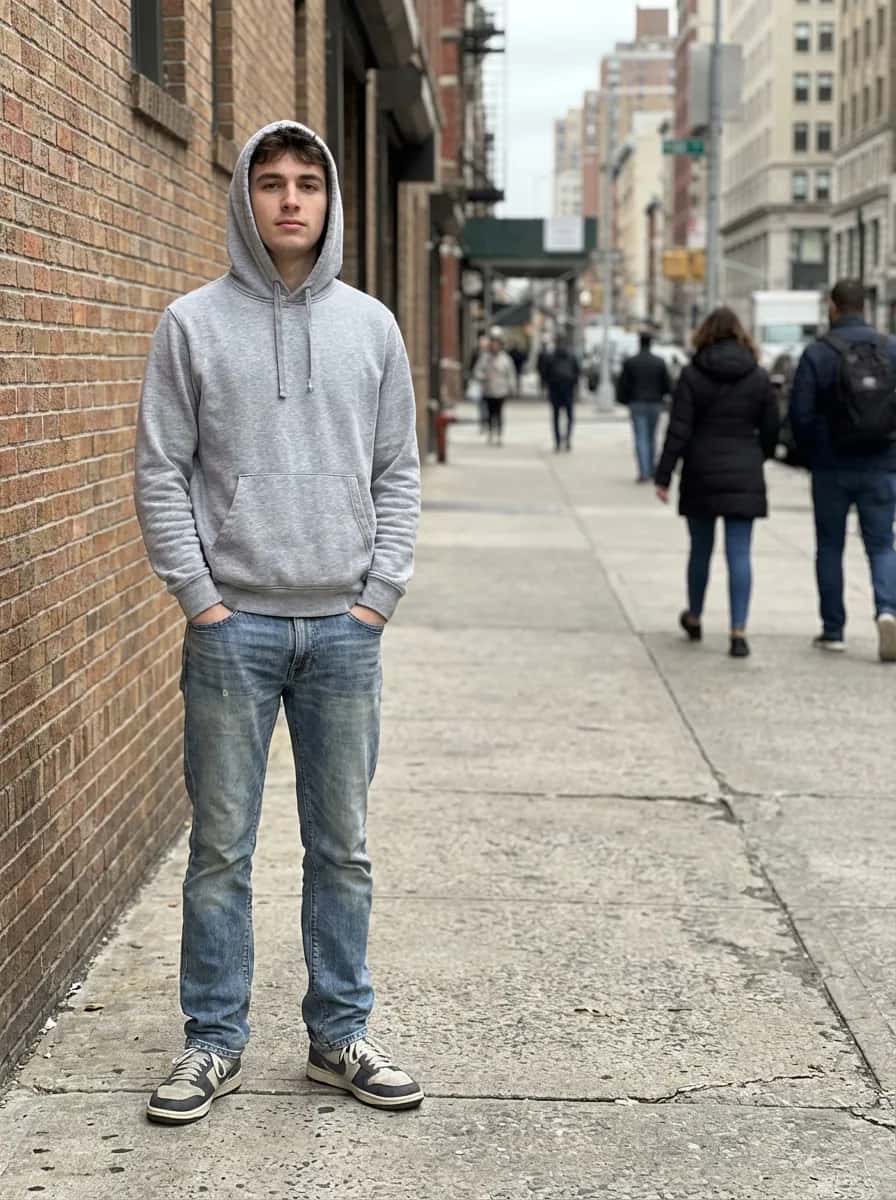
Before
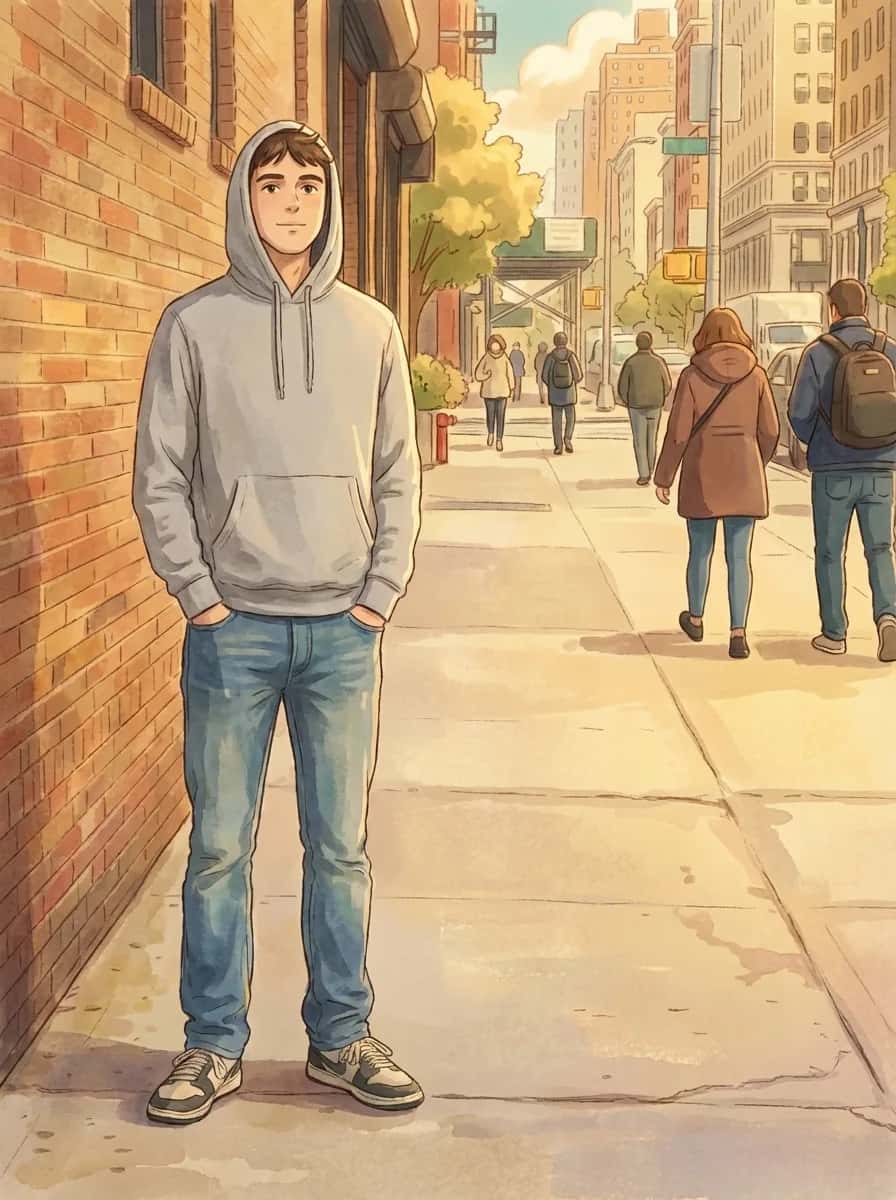
After
Frequently asked questions
How does AI style transfer work?
The AI reinterprets your photo in a different visual style while preserving the subject and composition. Upload a photo and pick a style to create a new version.
What artistic styles are available?
Anime, oil painting, watercolor, pencil sketch, pixel art, pop art, and Ghibli-style illustration.
How long does it take?
Timing varies with the style and how busy the service is. Some requests take longer. Keep the page open while your image is being created.
Is it free?
You get 3 free generations without an account. Free accounts get additional credits. Paid plans start at $5/month for 100 credits.
What photos work best?
Portraits with clear faces and even lighting give the best results. Simple backgrounds help the AI focus on the subject.
Will the result be high resolution?
Free generations come back at up to 768px on the long edge, which is sized for previewing and sharing. Paid plans return the full resolution the model produces.
Can I apply a style from one photo to another?
Currently the tool uses preset artistic styles. Custom style-from-photo transfer is on the roadmap.
More AI photo tools
Other ways to edit your photos with OutfitGen.