Use your own photo
Preview the garment on the person and pose you care about instead of relying only on a catalog model.
AI Virtual Try-On
Upload your photo and a garment to create a visual preview before you buy, free to start with no account.
Instead of judging a dress, jacket, or top on a generic model, use your own photo and the item you are considering. OutfitGen generates an approximate preview for comparing the look, not a sizing or fit guarantee.
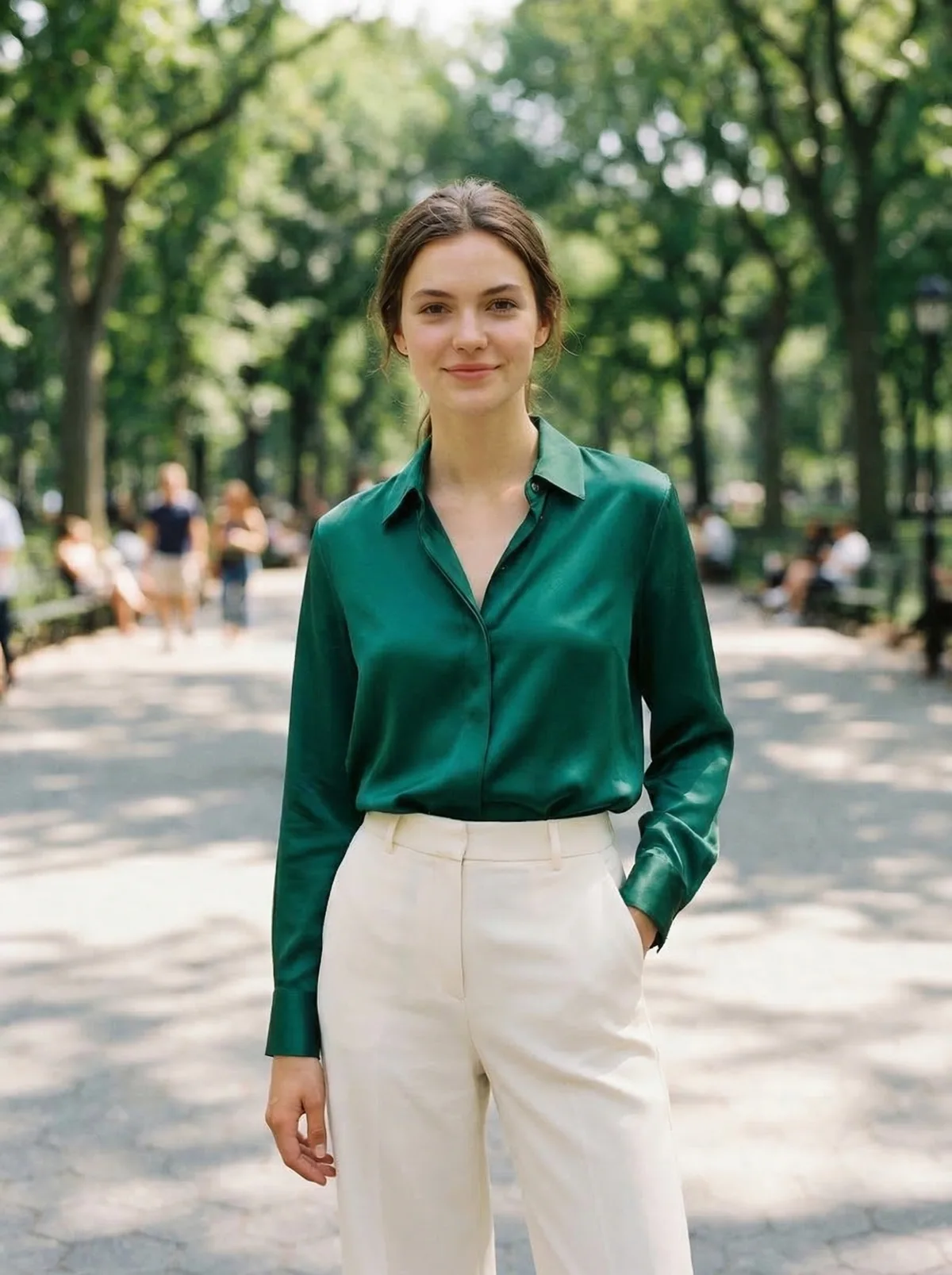
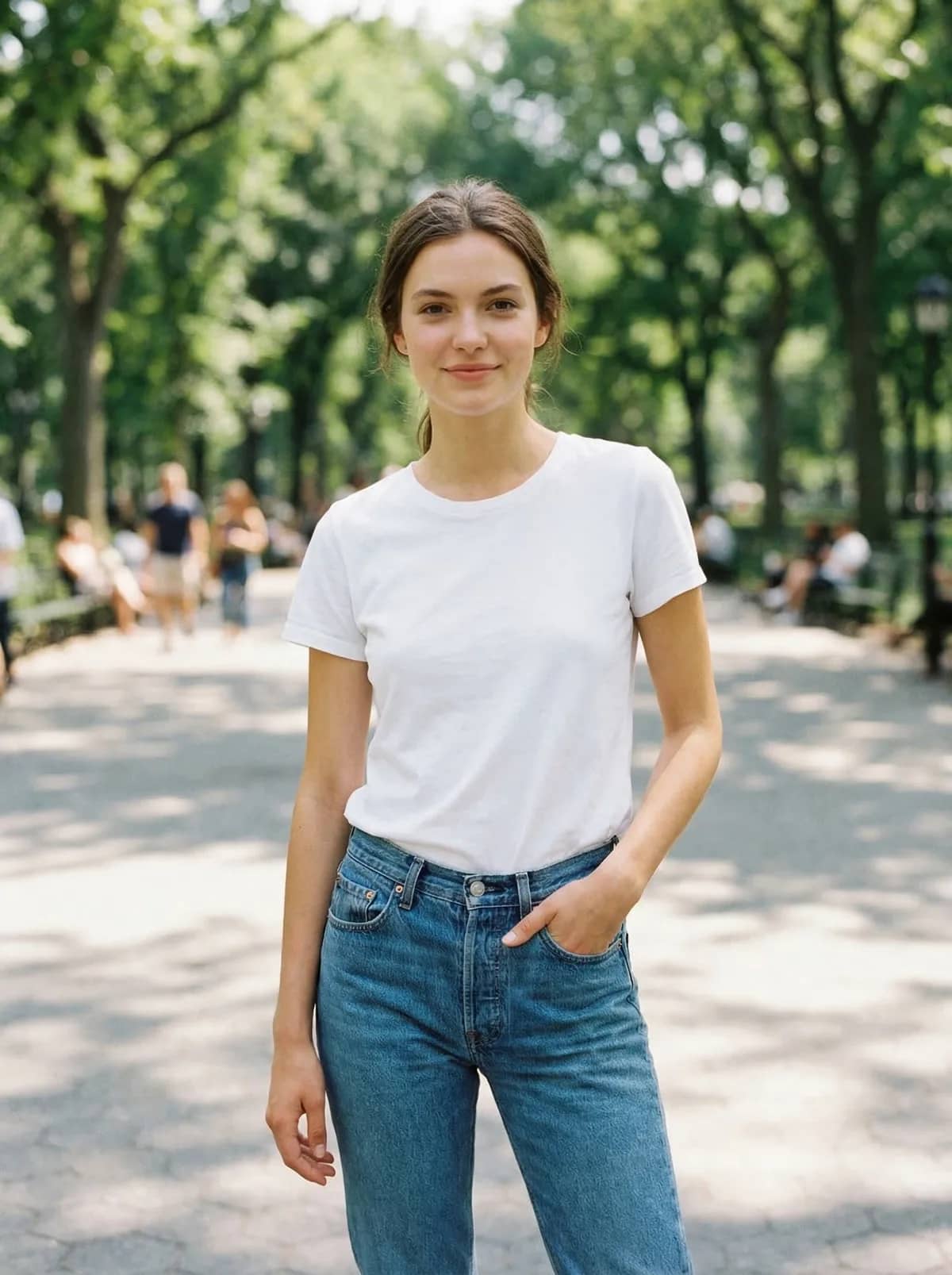
A person's photo before and after an AI garment preview. Drag the slider to compare.
Try it now
Upload a clear, single-subject JPG, PNG, or WebP. The live OutfitGen tool opens here in your browser.
Choose by job
Choose the workflow that matches where your garment comes from. OutfitGen accepts a garment image directly, Google starts from eligible Shopping listings, FASHN serves consumer and developer workflows, and Canva places try-on inside a broader design platform. Product details checked against official pages on July 16, 2026.
| Feature | OutfitGen | Google Try-On | FASHN | Canva |
|---|---|---|---|---|
| Starting material | Your photo and any clear garment image | Your photo and an eligible Shopping listing | Person and garment references | Uploaded photo with try-on features or apps |
| Primary workflow | Consumer browser tool | Google Shopping catalog | Consumer app and developer API | Feature inside a broad design platform |
| Decision support | Visual approximation, not sizing | Visual approximation, not a fit guarantee | Generated try-on output | Generated try-on output |
Why OutfitGen
Preview the garment on the person and pose you care about instead of relying only on a catalog model.
Upload a product photo or store screenshot when you want to evaluate a specific dress, jacket, or top.
Use the preview to explore color and overall appearance while treating real fit and sizing as a separate decision.
Clarify layering, color, or the intended setting with a short prompt when the garment image needs context.
Keep the same starting photo and compare another garment without recreating the entire workflow.
No app install, account, or card is required for your first generations.
How it works
Choose a clear full-body or half-body image with the clothing area visible. A front-facing photo is usually the easiest starting point.
Upload a clean product photo or screenshot of the dress, jacket, top, or other item you want to preview.
Use a short prompt when you want to clarify color, layering, or the overall look. Leave it simple when the garment image already says enough.
Generate the try-on, compare the look, and create another version if you want to explore a different garment or styling direction.
Made for real decisions
Compare a dress, jacket, or top on your own photo before deciding.
Preview looks for social posts or event content without buying every option first.
Explore this workflowWhen you do not have a specific garment, describe a completely new look instead.
Explore this workflowOutfitGen uses your upload to create the result you asked for. It does not sell or publish your photos, use them in marketing without permission, or use them to train models.
Pricing
No account or credit card for your first 3 generations.
Free
$0
3 generations before signup
Plus
$5/mo
100 credits, no watermark
Pro
$15/mo
500 credits, highest-fidelity Pro mode
Studio
$49/mo
1,000 credits, priority processing
FAQ
Yes! Upload your photo and a garment image or store screenshot to create an AI visual preview of the outfit on your photo before you decide.
No. The result is a visual approximation for comparing style, color, and overall appearance. It does not measure your body or guarantee garment sizing, drape, or real-world fit.
Yes! Start with 3 generations with no account, credit card, or app install. Create a free account when you want more credits.
Yes! Save a clear product image or screenshot from the listing and upload it as the garment reference. Images with a simple background and a clear view of the item work best.
Virtual try-on starts with a specific garment and helps you preview a shopping choice. A clothes changer can also invent a new outfit from text for creative edits, profiles, or content. OutfitGen supports both workflows in the same tool.
A clear, well-lit photo and clean garment image can create a useful visual guide. Because the result is generated, details such as fabric, body shape, and fit can differ from the real garment.
Timing varies with the outfit and how busy the service is. Some requests take longer. Keep the page open while your preview is being created.
Free outputs may include a small OutfitGen watermark. Every paid plan, including Plus, Pro, and Studio, is watermark-free.
Your photos and prompts stay private. OutfitGen does not sell or publish them, use them in marketing without permission, or use them to train models.
Start in your browser with 3 free generations. No account, card, or app install needed.
Try an outfit on freeOther ways to edit your photos with OutfitGen.
Put yourself or a character in new poses.
Swap any outfit in your photo with AI.
See yourself in any soccer jersey or kit.
Try different dresses in any photo.
Try different suits without changing clothes.
Visualize your wedding look before the fitting.
Better Tinder, Hinge, and Bumble pics in minutes.