AI Dating Photos
Better dating profile photos in seconds
AI dating photo tools edit the outfit and background of an existing photo using generative models. You upload a photo, describe the change you want, and the AI produces a new version in under 10 seconds. The output is a standard image file you can upload directly to Tinder, Hinge, Bumble, or any other dating app.
Try different outfits, upgrade your backgrounds, and create more photo variety for your dating profile. No photoshoot, no wardrobe haul, no awkward selfie sessions.
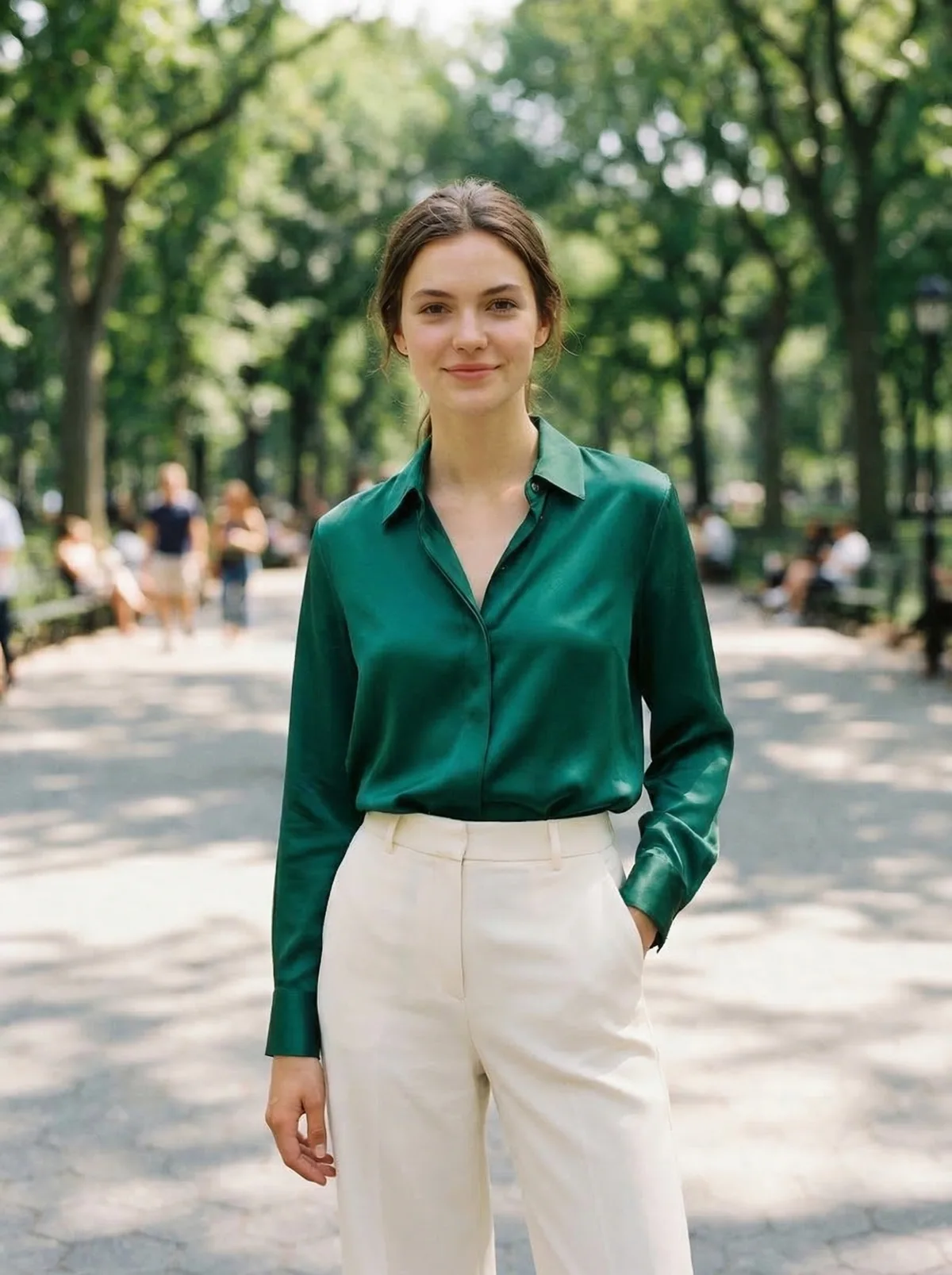
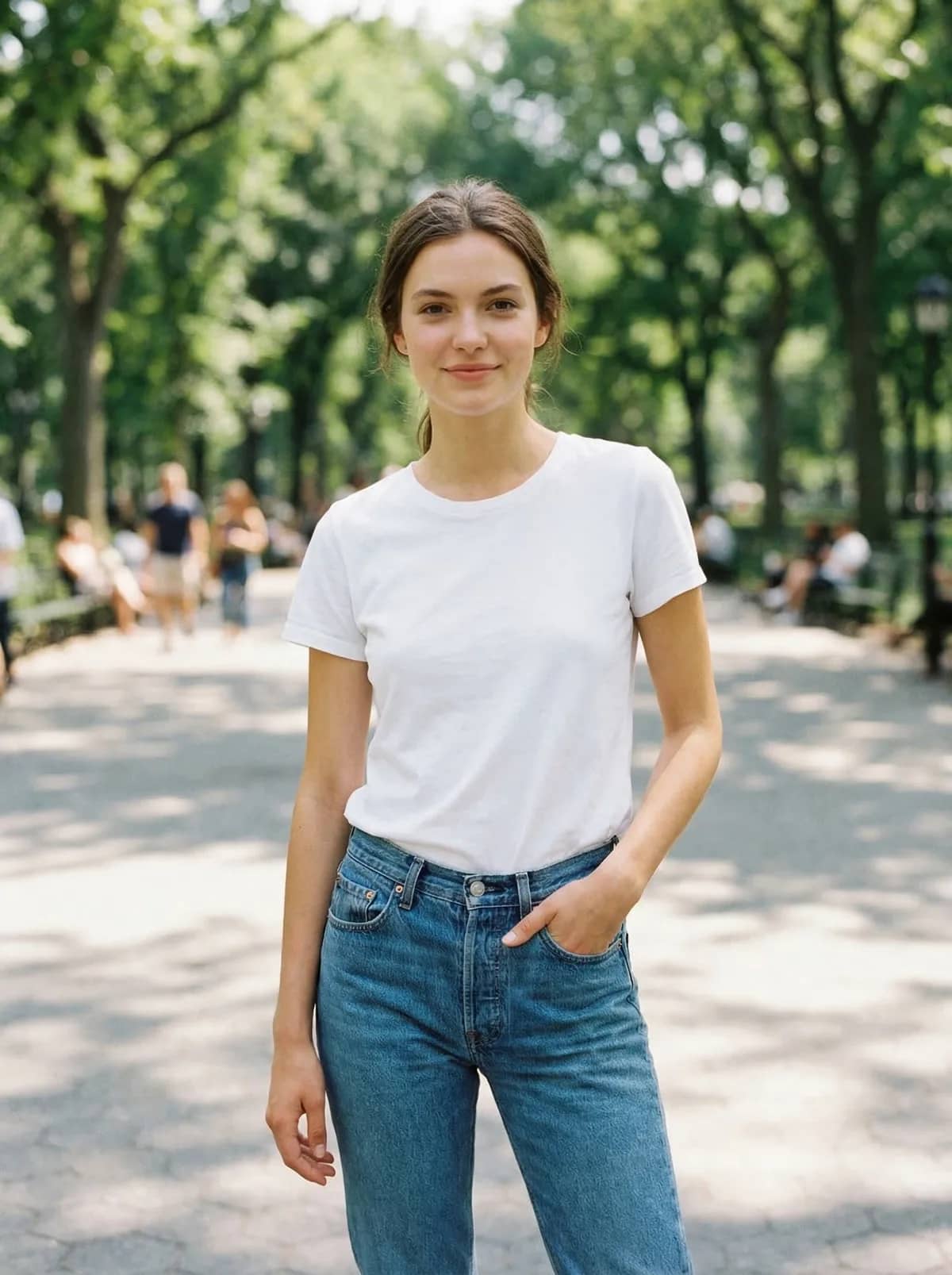
How it works
Upload a photo of yourself
Your best clear, well-lit photo. Doesn't matter what you're wearing, that's about to change.
Try different looks
Describe outfits you'd actually wear. Smart casual for the main photo. Something fun for the later slides.
Download and upload to your profile
Save the ones you like. Upload directly to Tinder, Hinge, Bumble, or whichever app you use.
Tips for great dating profile photos
These principles apply with or without AI.
Try outfits that match the vibe you want
Going for casual and approachable? Try a well-fitted t-shirt and jeans. Want to show you clean up well? Try a blazer or cocktail dress. Your outfit tells a story before you write a word in your bio.
Swap boring backgrounds
That bathroom mirror selfie isn't doing you any favors. Use the AI Background Changer to put yourself in a park, coffee shop, rooftop, or any setting that shows personality.
Create variety
Dating profiles with 5-6 varied photos get way more matches than profiles with 2-3 similar ones. Generate different outfits and settings to show different sides of yourself.
Keep it real
Don't change your face or body. The goal is better styling and settings, not catfishing. When you meet in person, you should look like your photos.
Mix AI with real photos
Your best profile has a mix: some real photos from actual activities, plus AI-enhanced photos with better outfits and backgrounds. The variety makes your profile more interesting.
Update seasonally
Your winter coat photos don't hit the same in July. Use AI to quickly refresh your profile with season-appropriate outfits and backgrounds.
Two tools for dating photos
Change your outfit AND your background for the complete upgrade.
AI Clothes Changer
Try on different outfits without buying them. See yourself in that blazer, leather jacket, or casual button-down. Find the look that represents you best.
Try date night outfits →AI Background Changer
Replace that bathroom mirror or messy bedroom background with something better. A coffee shop, rooftop, park, or anywhere that adds personality to your photo.
Try profile backgrounds →Frequently asked questions
Is it OK to use AI-edited photos on dating apps?
Using AI to try different outfits or improve your background is similar to using good lighting or choosing a flattering angle. The key is that the photo should still look like you. Don't change your face or body shape. Just improve the setting and styling.
Which dating apps work best with AI photos?
AI-enhanced photos work on any dating app that accepts standard photo uploads: Tinder, Hinge, Bumble, Coffee Meets Bagel, OkCupid, and more. The generated images are standard JPEG files.
How do I make AI dating photos look natural?
Start with a good base photo (clear, well-lit, natural expression). Keep outfit changes realistic: clothes you'd actually wear. Use natural backgrounds (park, coffee shop, city street) rather than obviously fake settings. Mix AI photos with real ones in your profile.
Will people be able to tell these are AI-edited?
Modern AI editing produces very realistic results. As long as you start with a real photo of yourself and make reasonable outfit/background changes, the edits are virtually undetectable. The key is subtlety: a natural outfit and setting, not anything over-the-top.
Upgrade your profile photos
3 free photo edits. See the difference before you commit.
Start Editing Your PhotosMore AI photo tools
Other ways to edit your photos with OutfitGen.
AI Pose Changer
Put yourself or a character in new poses.
AI Headshot Generator
Professional headshots without a photographer.
AI Clothes Changer
Swap any outfit in your photo with AI.
AI Background Changer
Replace photo backgrounds in seconds.
AI Hair Changer
Try new hair colors and styles instantly.
AI Makeup Editor
Try any makeup look before applying it.