Fix the shot you already like
Create a cleaner stance or more natural body position without organizing another photo session.
AI Pose Changer
Turn one photo into a new pose from a preset or your own description, free to start with no account.
Use the shot you already like, even when the stance feels stiff or the hand placement is awkward. OutfitGen creates a new pose while aiming to keep the person or character recognizable.
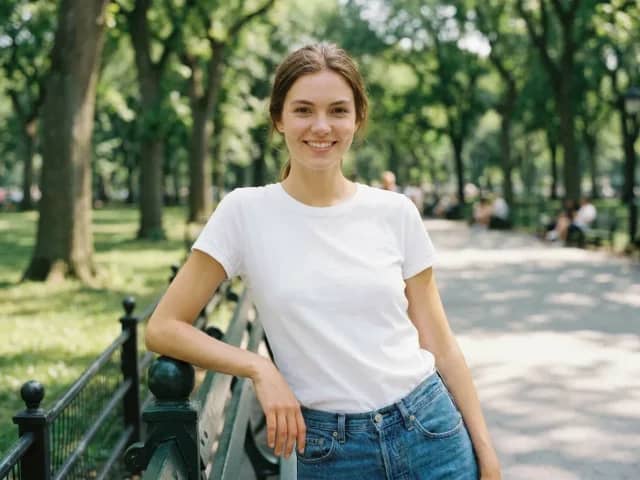
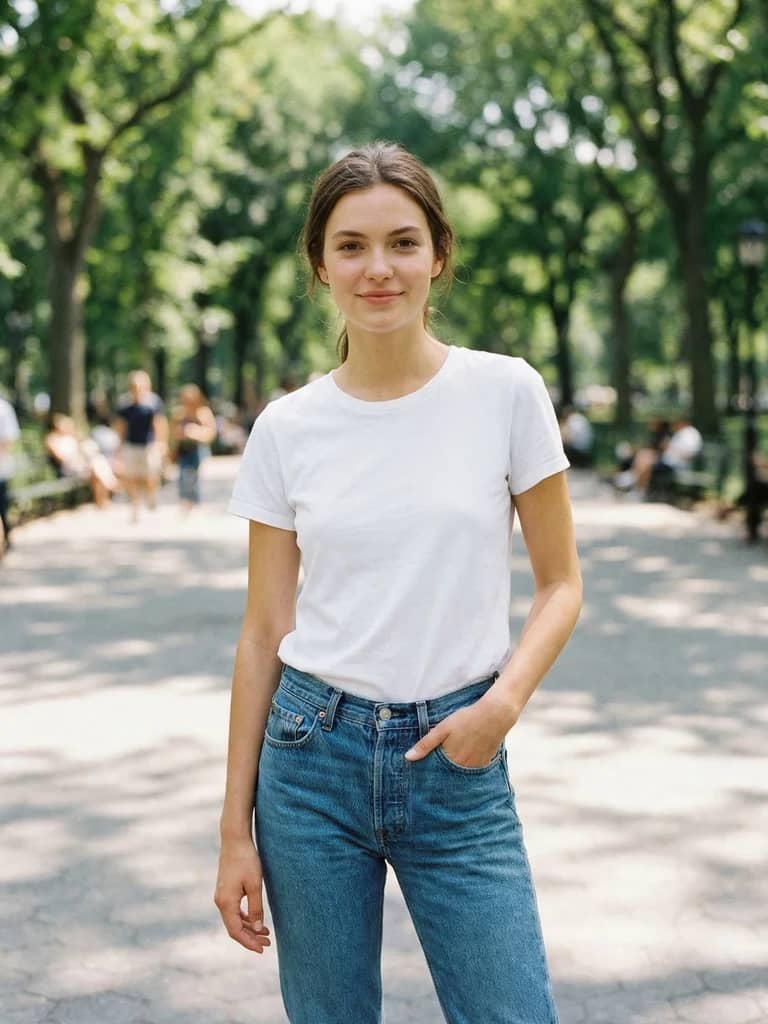
The same character shown in an original and newly generated pose. Drag the slider to compare.
Try it now
Upload a clear, single-subject JPG, PNG, or WebP. The live OutfitGen tool opens here in your browser.
Choose by job
Pose tools differ more in workflow than in headline capability. OutfitGen is designed for a fast preset-or-description flow; broader editors add more controls, while manual tools offer more direct control at the cost of more work. Product details checked against official pages on July 16, 2026.
| Feature | OutfitGen | Fotor | Photoshop | General AI assistant |
|---|---|---|---|---|
| Pose direction | Preset or text description | Text prompt or pose reference | Manual editing workflow | Prompt and image generation |
| Best starting image | One clear subject | Single or group photos | Any image the editor can manually compose | Depends on the tool and model |
| Workflow | Focused browser pose tool | Pose feature inside a broad editor | Professional manual image editor | General-purpose conversation |
Why OutfitGen
Create a cleaner stance or more natural body position without organizing another photo session.
Standing, seated, walking, and leaning directions make it easy to move quickly.
Write the body position, hand placement, motion, and camera direction when a preset is not specific enough.
The pose flow is designed around the same person or character rather than generating a completely unrelated subject.
Use a portrait, avatar, illustration, or character reference when the subject is clear in the source image.
No skeleton setup, masks, or manual body editing. Choose a direction and generate the new composition in the browser.
How it works
Choose a clear image with one main person or character. Leave enough room around the subject for the new body position.
Start with a standing, seated, walking, or leaning preset, or write the exact pose and camera direction you want.
Use Standard for quick pose exploration or Pro mode when facial likeness and fine image detail matter most.
Review the result, download it, or keep the same source image and try another pose without planning a reshoot.
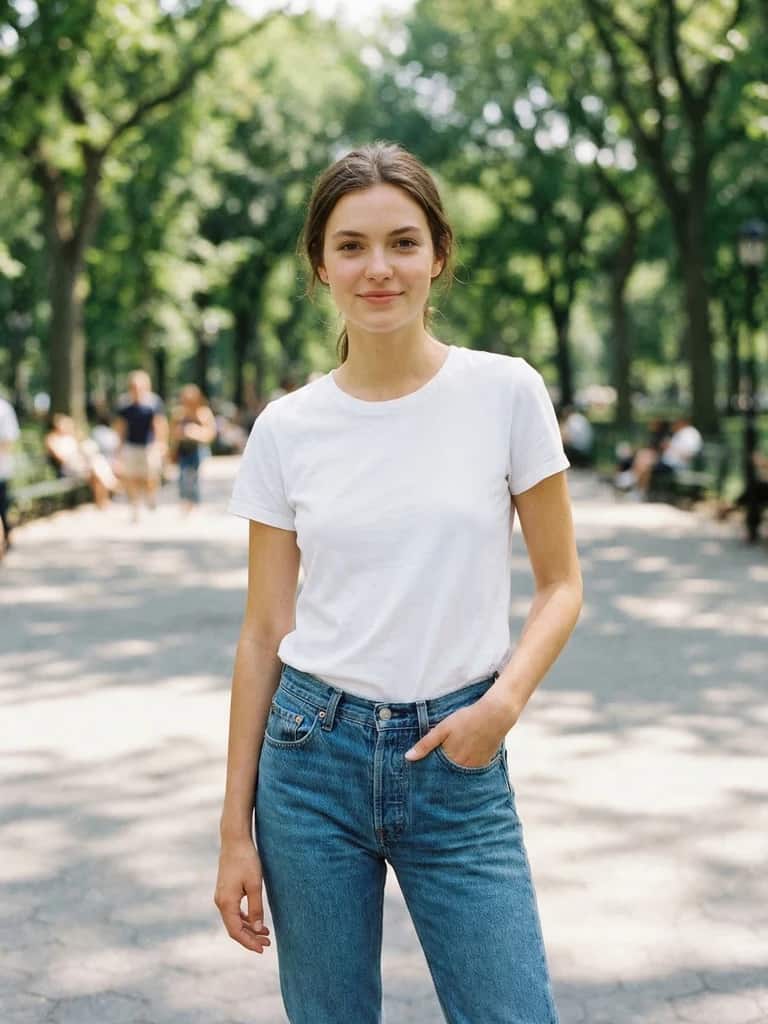
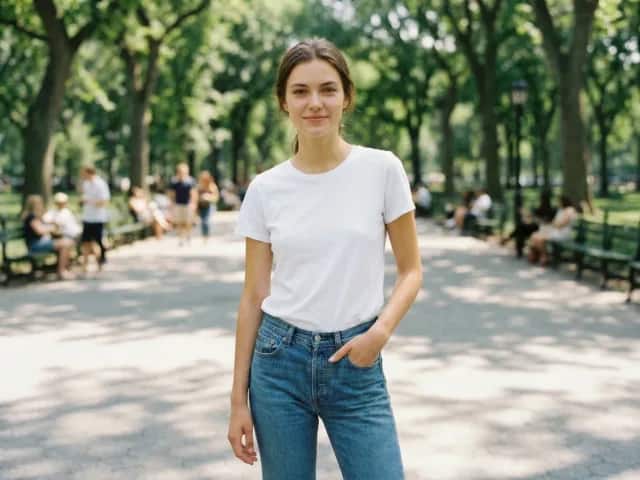
Standing
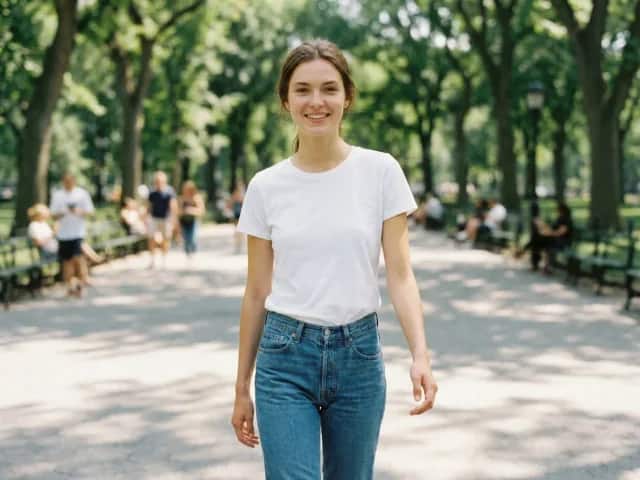
Walking
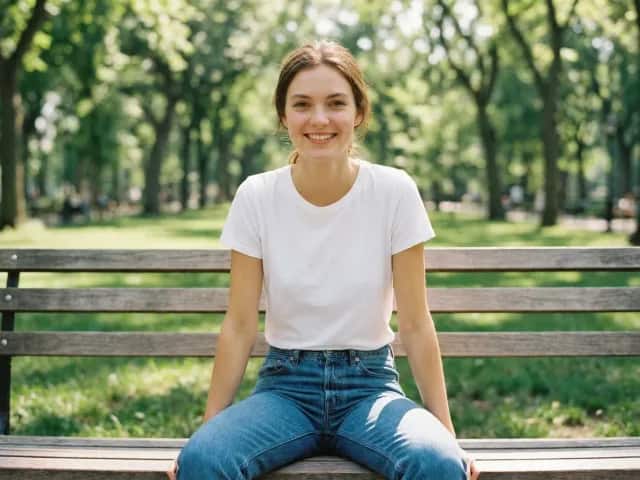
Seated
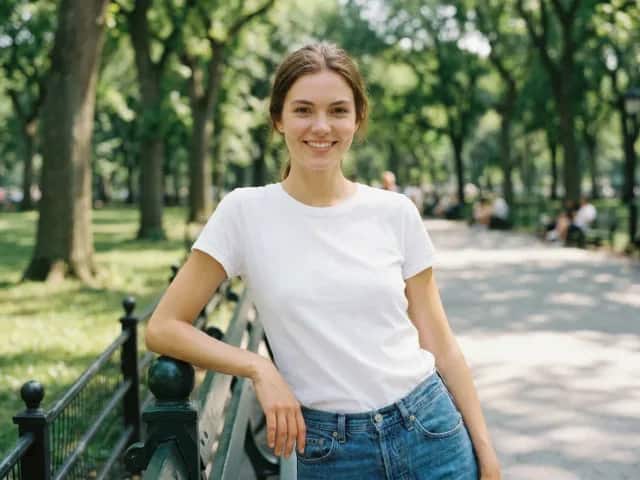
Leaning
Made for real decisions
Try a more natural stance in a moment you cannot retake.
Build a varied set of poses from one strong source image.
Explore this workflowRe-pose a character, then restyle the resulting image in a second focused edit.
Explore this workflowOutfitGen uses your upload to create the result you asked for. It does not sell or publish your photos, use them in marketing without permission, or use them to train models.
Pricing
No account or credit card needed for your first edit.
Free
$0
First edit free before signup
Plus
$6/mo
100 credits, no watermark
Pro
$15/mo
300 credits, highest-fidelity Pro mode
Studio
$49/mo
1,000 credits, priority processing
FAQ
Yes! OutfitGen creates a new version of the uploaded photo with a different pose while aiming to keep the person or character recognizable.
Yes! Upload the photo, choose a more natural preset or describe the stance you want, and generate a new version without arranging another shoot.
Both. Presets are useful for fast directions such as standing, seated, walking, or leaning. Custom mode lets you describe body position, hand placement, camera angle, and movement.
OutfitGen is designed to preserve a recognizable identity while changing the pose. A clear, single-subject source image and Pro mode give the editor the strongest chance of maintaining fine likeness details.
Yes! Start free with no account or credit card. The tool shows how many free images you have left, and a free account adds more free credits.
Timing varies with the pose and how busy the service is. Some requests take longer. Keep the page open while your image is being created.
Yes! Upload a person, avatar, or character image and describe a new pose. Results are strongest when the subject is clear and the visual style is easy to read.
Yes. First create the pose you want, then open the AI clothes changer to restyle that result in a second focused edit.
Your photos and prompts stay private. OutfitGen does not sell or publish them, use them in marketing without permission, or use them to train models.
Start free in your browser. No account, card, or app install needed.
Change your pose freeOther ways to edit your photos with OutfitGen.
Swap any outfit in your photo with AI.
Try on any outfit before you buy it.
See yourself in any soccer jersey or kit.
Better Tinder, Hinge, and Bumble pics in minutes.
Professional headshots without a photographer.
Replace photo backgrounds in seconds.