Describe any look
Write the outfit in everyday words. Add color, fabric, fit, and styling details only when they help.
AI Clothes Changer
Swap the clothes in a photo from a simple description or a reference garment, free to start with no account.
Skip the reshoot and the layers. Upload one photo, describe the look you want, and create a new version while OutfitGen works to preserve the person, pose, and lighting that made the original photo work.
The logo, the stripes, the fit. OutfitGen got every try-on right in a blind test of 13 AI models. See the test
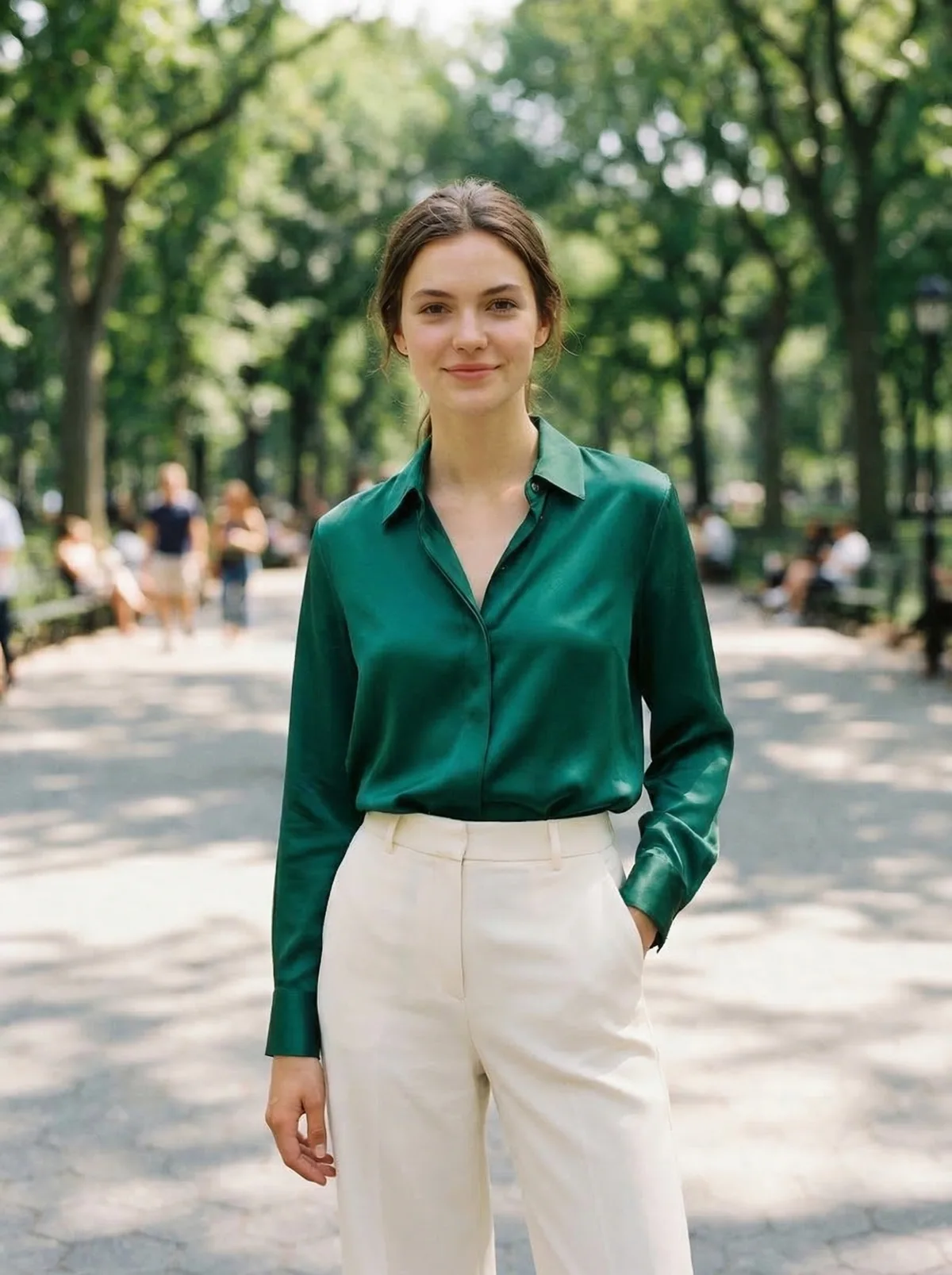
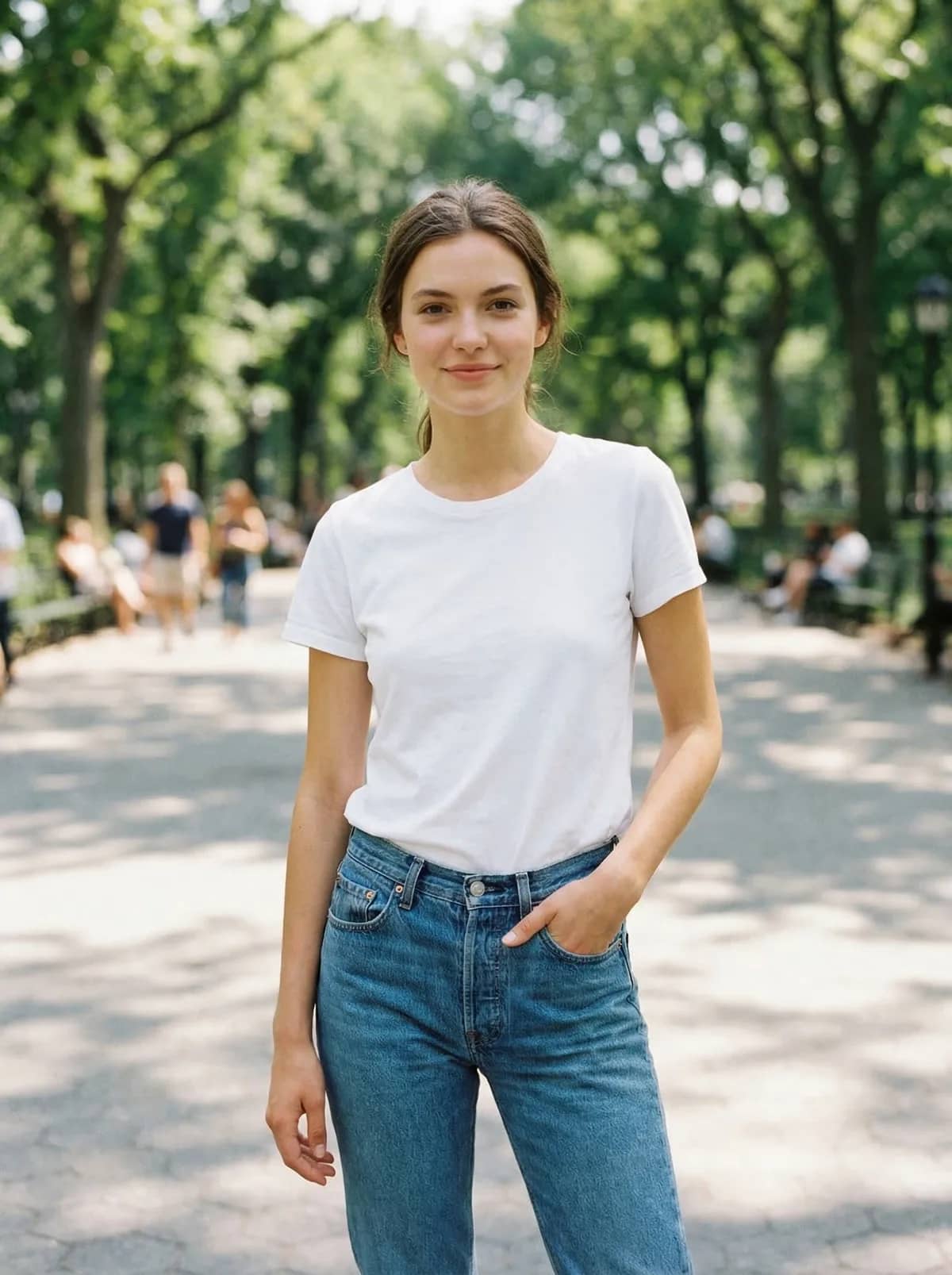
The same portrait before and after an AI outfit change. Drag the slider to compare.
Try it now
Upload a clear, single-subject JPG, PNG, or WebP. The live OutfitGen tool opens here in your browser.
Choose by job
The strongest alternative tools now support capable outfit workflows too. The practical difference is the starting allowance, the amount of manual editing, and whether you want a focused clothes tool or a broader editor. Product details checked against official pages on July 16, 2026.
| Feature | OutfitGen | Magic Hour | Fotor | Photoshop |
|---|---|---|---|---|
| Free starting point | First edit free before signup | 3 daily swaps without signup | Free credits through daily tasks | 7-day trial |
| Outfit input | Text or garment image | Text or garment image | Text, garment image, or preset | Manual selection and editing |
| Product focus | Dedicated browser clothes changer | Dedicated browser clothes changer | Clothes feature inside a broad editor | Professional manual image editor |
Why OutfitGen
Write the outfit in everyday words. Add color, fabric, fit, and styling details only when they help.
Upload a product photo, store screenshot, or inspiration image when text alone is not specific enough.
The editor is designed around the outfit change while keeping the person and scene visually consistent.
Reuse the same starting photo to compare several outfits without taking another picture.
Standard is useful for quick exploration. Pro mode prioritizes likeness, material, and lighting detail.
No app install or editing experience is required. Upload, describe, generate, and download in one flow.
How it works
Choose a clear JPG, PNG, or WebP with one main person. Front-facing, well-lit photos give the editor the strongest starting point.
Type the color, fabric, fit, and style in plain language, or add a photo of the garment you want to reference.
Use Standard for a quick idea or Pro mode when likeness, fabric, and lighting detail matter most.
Create the new look, download the result, or keep the same source photo and explore another outfit.
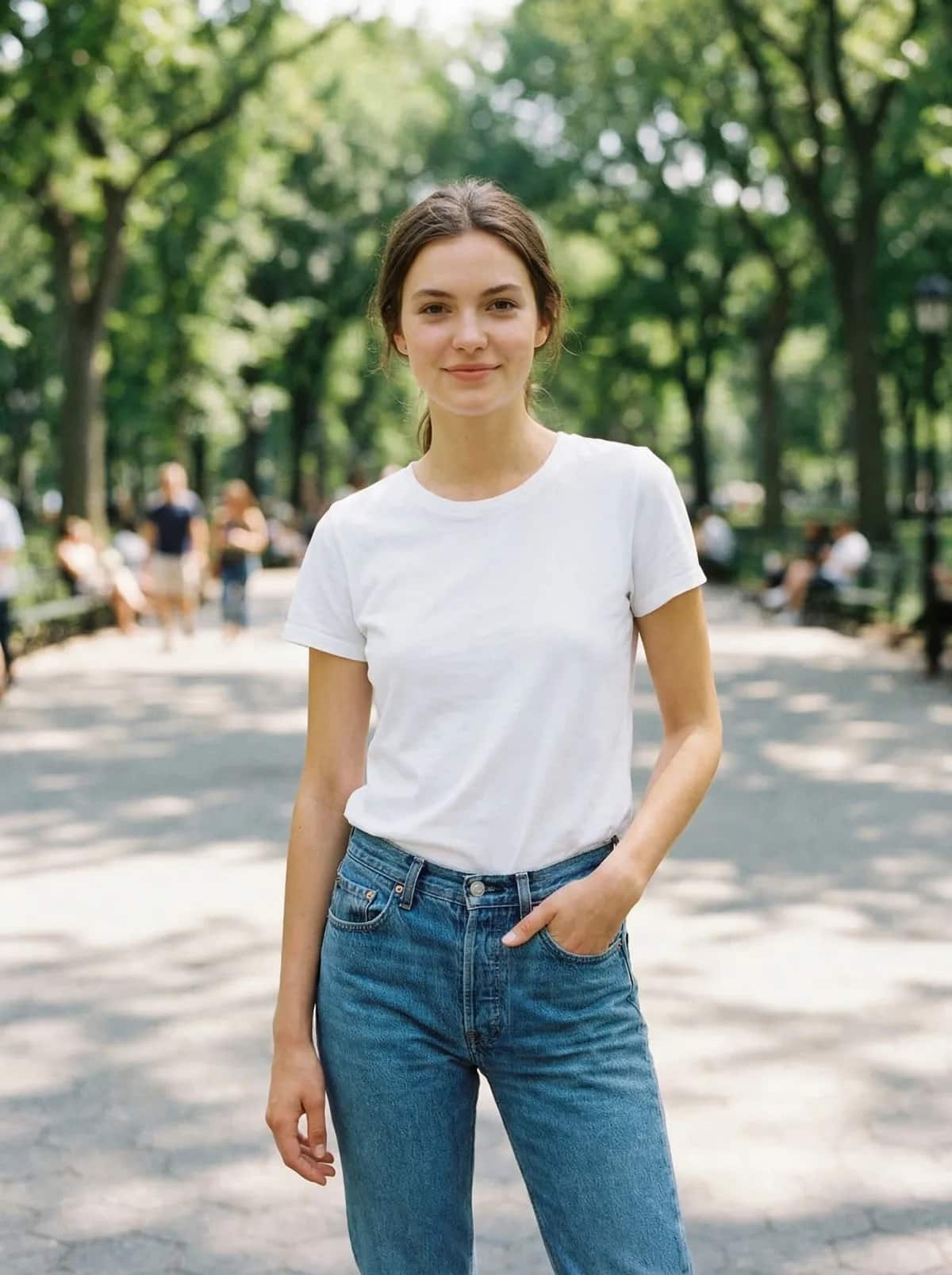
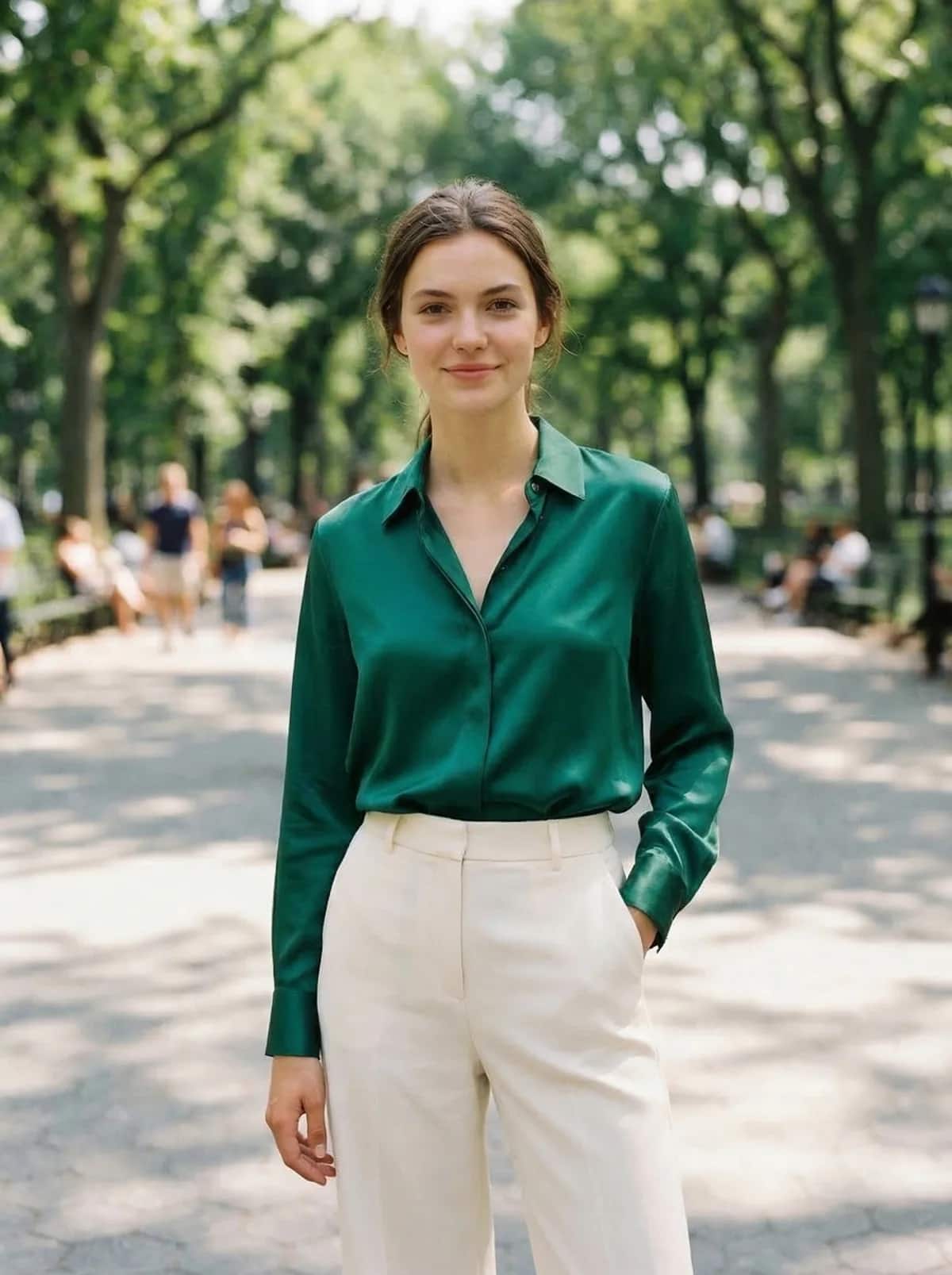
Tailored formal look


Summer outfit


Relaxed casual look
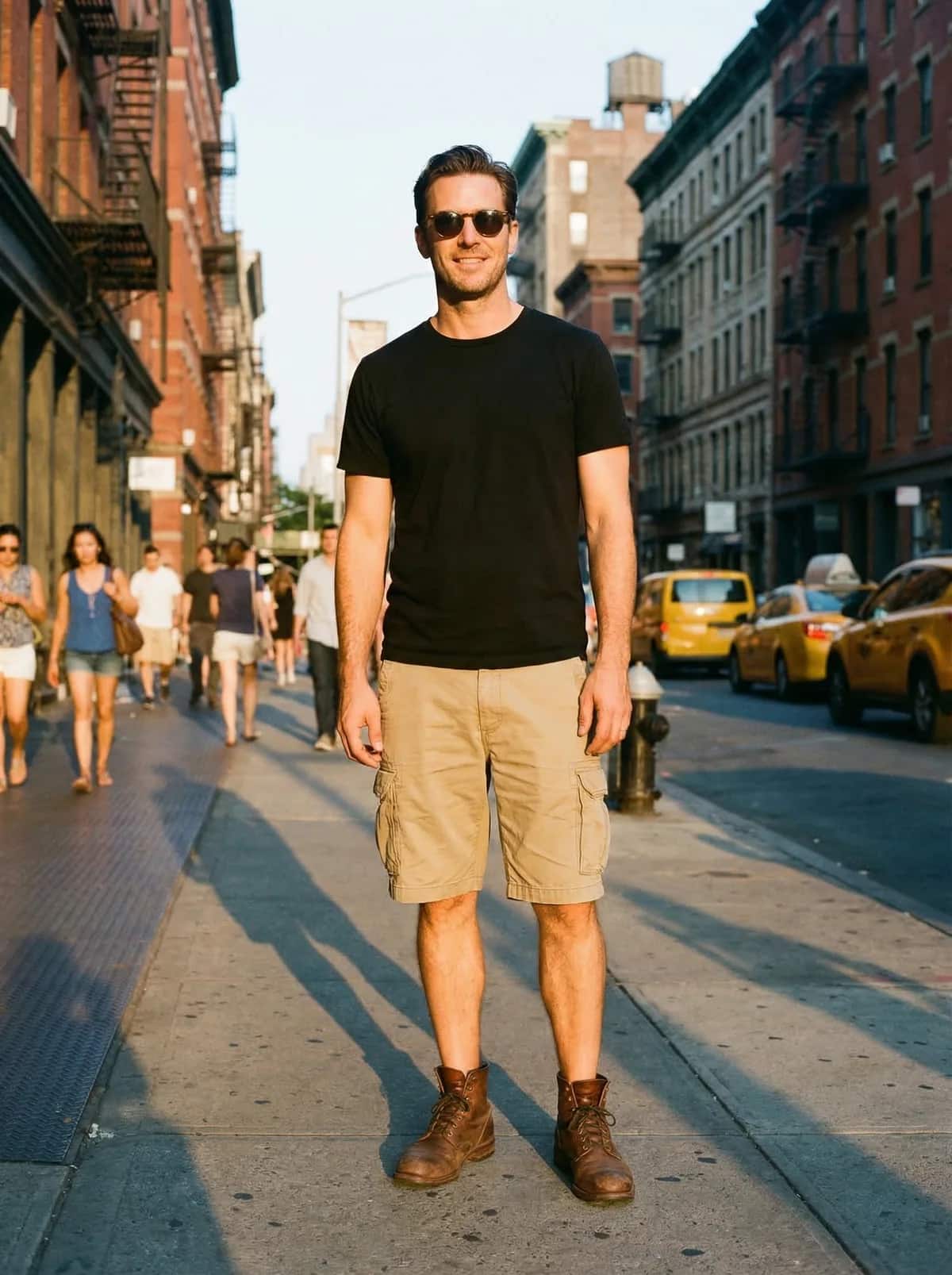
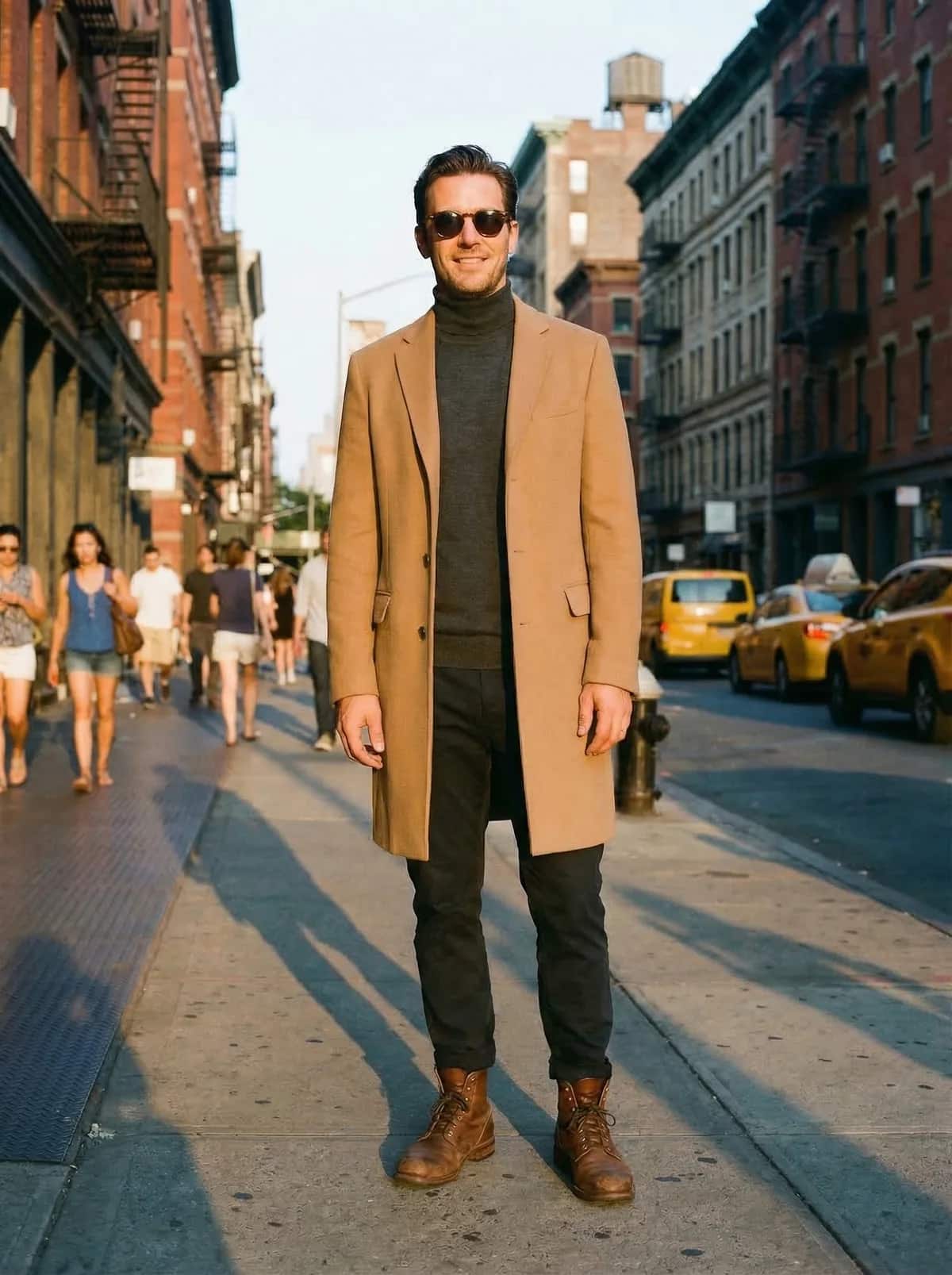
Business casual
Made for real decisions
Preview a garment or compare looks before buying.
Explore this workflowCreate on-model variations for resale or e-commerce listings.
Explore this workflowTry a sharper profile look, formal outfit, or team jersey.
Explore this workflowOutfitGen uses your upload to create the result you asked for. It does not sell or publish your photos, use them in marketing without permission, or use them to train models.
Pricing
No account or credit card needed for your first edit.
Free
$0
First edit free before signup
Plus
$6/mo
100 credits, no watermark
Pro
$15/mo
300 credits, highest-fidelity Pro mode
Studio
$49/mo
1,000 credits, priority processing
FAQ
Yes! Start free without an account or credit card. The tool shows how many free images you have left, a free account adds more free credits, and paid plans add more volume.
Yes! Upload a store screenshot, product photo, or outfit reference when you want the result to follow a specific garment rather than a text-only idea.
OutfitGen is designed to change the clothing while preserving the person, pose, and surrounding photo. Clear, single-subject images give it the best chance of keeping those details consistent.
Timing varies with the edit and how busy the service is. Some requests take longer. Keep the page open while your new outfit is being created.
Use JPG, PNG, or WebP. Most phone photos and screenshots work, and a well-lit image with one clearly visible person usually produces the cleanest result.
Free outputs may include a small OutfitGen watermark. Every paid plan, including Plus, Pro, and Studio, is watermark-free.
Yes! Keep the same source image and generate multiple looks so you can compare colors, cuts, and styles before choosing one.
Yes. Commercial use is included on paid plans, which makes the clothes changer useful for marketplace listings, product visuals, and social content.
Your photos and prompts stay private. OutfitGen does not sell or publish them, use them in marketing without permission, or use them to train models.
Start free in your browser. No account, card, or app install needed.
Change your outfit freeOther ways to edit your photos with OutfitGen.
Put yourself or a character in new poses.
Replace photo backgrounds in seconds.
Try on any outfit before you buy it.
See yourself in any soccer jersey or kit.
Try different dresses in any photo.
Try different suits without changing clothes.