Easiest AI Photo Editors Where You Just Type the Outfit (2026)
Published July 16, 2026 · OutfitGen Team
The easiest AI photo editors for outfit changes let you type the clothing you want in plain language. You should not need layers, masks, installs, or prompt-engineering templates.
Comparison: easiest type-to-edit outfit tools (2026)
| Tool | How you edit | Learning curve | Free to start |
|---|---|---|---|
| OutfitGen | Type the outfit in plain words | Minutes | Yes, no signup |
| EditThisPic | Describe the outfit | Minutes | Yes, no signup |
| Fotor | Preset styles or a prompt | Low | Free tier |
| Pincel | Brush + prompt the garment | Low-medium | Free trial |
| Photoshop | Layers, masking, blending | Weeks-months | Trial only |
The easiest type-to-edit tools, explained
1. OutfitGen - just type it
OutfitGen is built for non-technical users. You upload a photo, type what you want, and it interprets everyday descriptions - no "prompt engineering" required. It is free to start with no signup, with bonus credits after a free account. Best for: the simplest possible outfit change. Limitation: best on a single, clear subject.
2. EditThisPic - fast and no account
EditThisPic accepts a plain-language outfit description and returns a result in about 30 seconds with no signup. Best for: quick one-offs. Limitation: minimal fine-tuning controls.
3. Fotor - easy presets plus editing
Fotor lets you pick a preset outfit style or prompt one, next to a background remover and AI headshot tool. Best for: easy edits with a few extra tools on hand. Limitation: general suite, so clothing realism can trail fashion-specific tools.
What makes an AI photo editor "easy"?
An editor is easy when the only skill required is describing what you want. Hard editors make you learn tools, masks, and layers; easy ones accept a plain-language request and handle the technical work. The easiest tools also remove setup friction - no install, no manual selection, and a usable result on the first try.
Why "just type it" beats prompt-heavy tools
Some AI tools technically accept text but still expect long, structured prompts for a good result. The easiest tools are forgiving: "summer dress" or "professional blazer" is enough. OutfitGen is built for non-technical users specifically, so you don't need to learn prompt tricks to get a clean outfit change.
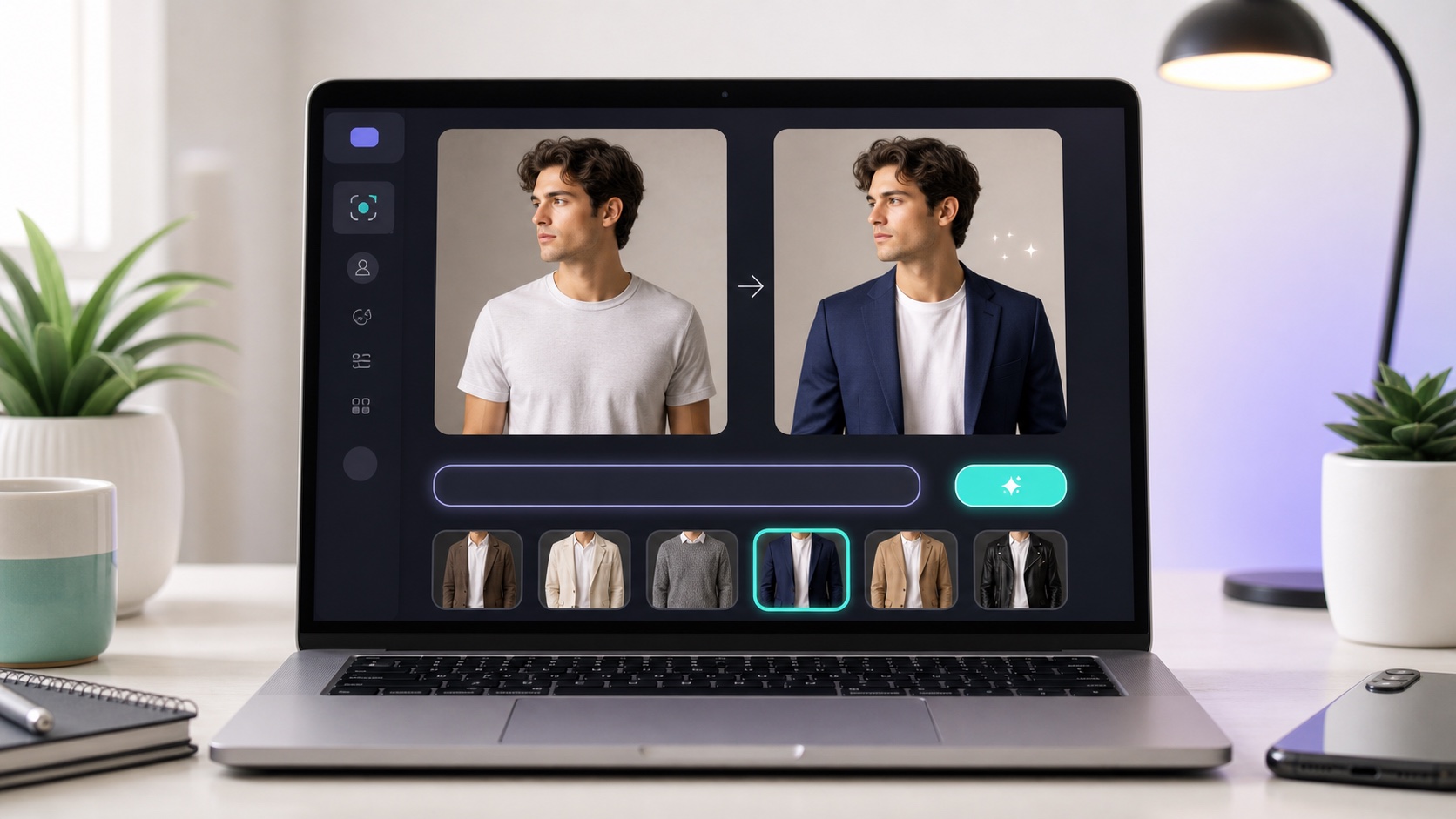
Type-to-edit workflow
- Open the AI Clothes Changer in your browser.
- Upload your photo.
- Type the outfit in plain language ("navy suit," "red evening gown," "casual hoodie").
- Generate and download. Adjust the wording if you want a different look.
Who should use a type-to-edit tool
This is for non-technical people who want results without learning software - everyday users, sellers, and busy creators. It's not aimed at professionals who want manual control of every pixel, or people already comfortable prompting raw image models themselves.
FAQ
Which AI photo editor is easiest for typing an outfit?
OutfitGen and EditThisPic are the easiest - you type a plain-language outfit description and get a result, with no tools to learn.
Do I have to write complex prompts?
No. Short, natural descriptions work; you don't need prompt-engineering skills.
Do I need to install anything?
No - these run in the browser, so there's nothing to download.
Is it really free to try?
Yes. OutfitGen and EditThisPic are free to start with no signup; Fotor has a free tier.
Ready to try it yourself?
Get started with OutfitGen, 3 free generations, no sign-up required.
Try OutfitGen Free