Hello, Arabic! Your Next Look Starts Here.
Published October 14, 2026 · OutfitGen Team
OutfitGen is now available in Arabic! Try a new outfit, explore a different style, or change your background with Arabic controls and a right-to-left experience built to feel at home. From choosing your photo to saving your next look, there's a new way to create in the language you prefer.
We're excited to welcome you. Bring a photo and an idea you've been wanting to try!
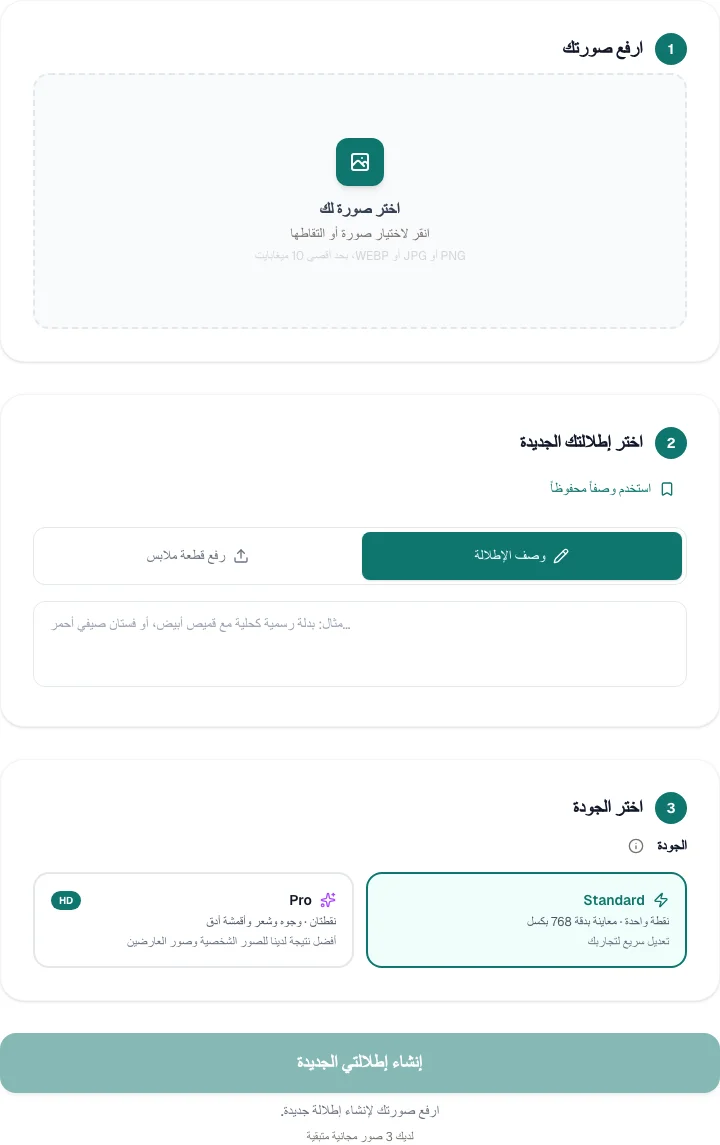
A new look starts with one photo
A tailored suit for a profile photo. A fresh color for your favorite shirt. An outfit for an occasion you haven't shopped for yet. OutfitGen lets you explore those ideas from a photo you already have, without learning editing software or arranging another shoot.
Start with a clear photo of one person and describe the change you want. Be specific about the garment, color, and fabric. You can also upload a photo of a garment to explore how it could look on your photo. It's a visual way to try an idea before deciding what to create next.
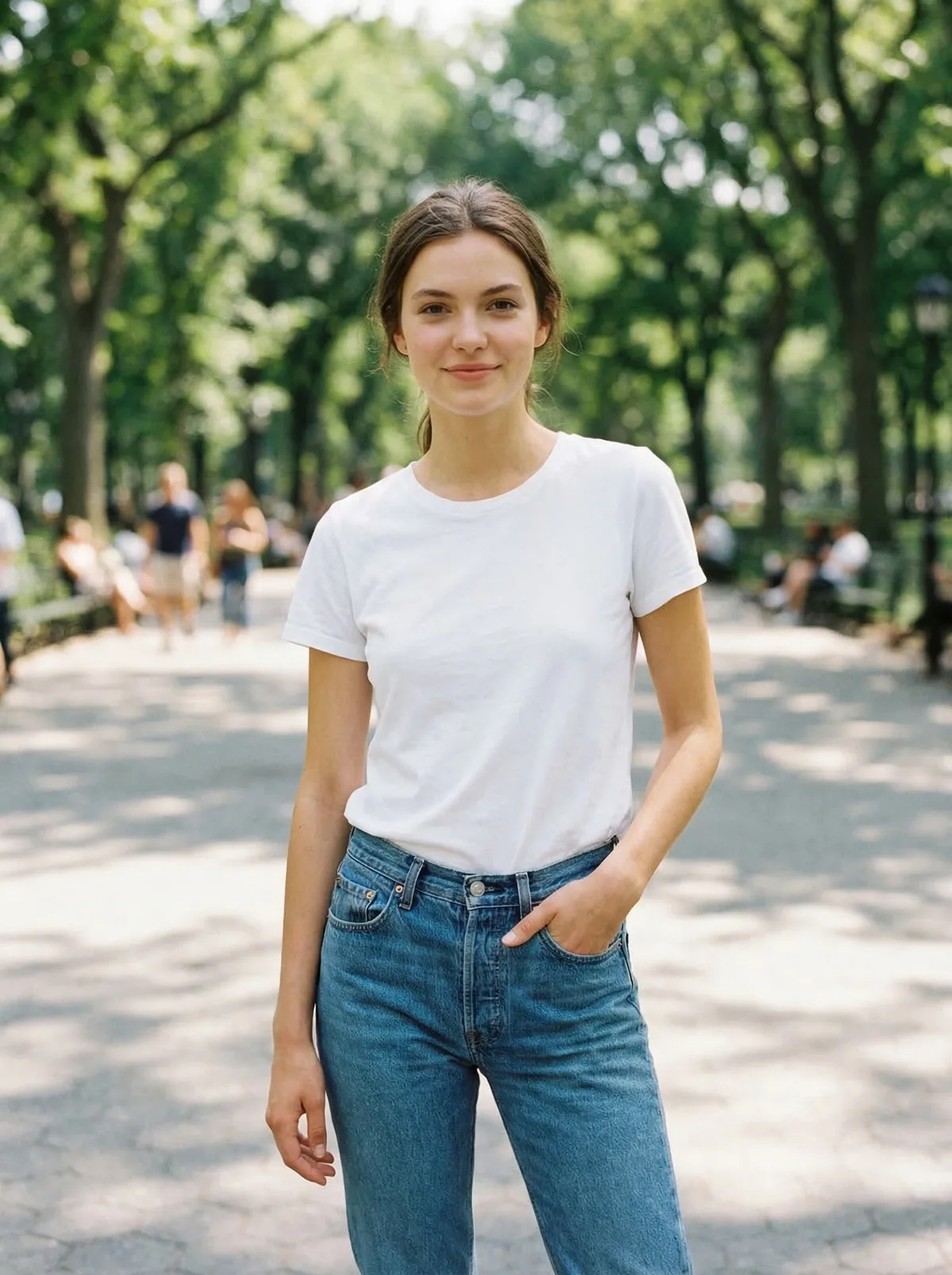
Here is an OutfitGen example, starting with a plain white T-shirt and exploring a green satin shirt with cream trousers:

Arabic where you create
The Arabic experience brings right-to-left layouts, Arabic navigation, and translated creation controls to the tools. Account pages, your history, and saved descriptions are available in Arabic too, so you can return to an idea without having to remember every detail.
You can change outfits, try a reference garment, explore another background or pose, or give a photo a different visual style. Choose the tool that matches your idea and make one change to start. Once you have a result you like, download it or keep exploring.
The language setting works with your existing account. Your photos, saved work, and credit balance stay with that account when you switch languages. There's no need to start again with a new signup.
Try your first look in Arabic
- Open the Arabic clothes changer using the button below.
- Upload a clear photo, then describe your new outfit. For a particular garment, choose the garment-photo option and upload its image too.
- Create your image, compare the result, and download the version you want to keep.
For a useful first experiment, try a simple change you can judge easily: a different shirt color, a denim jacket, or a tailored outfit. Add detail to your description when you want a more specific result.
Frequently asked questions
How do I keep Arabic as my language?
Choose العربية in the language menu. When you're signed in, your choice is saved to your account and follows you across devices. You can choose another language anytime.
Can I use my existing account and credits?
Yes! Sign in with your existing account and use the credits available there. Changing the interface language keeps your account and saved work together.
Can I try a garment from its photo?
Yes! Open virtual try-on in Arabic, upload your photo and a garment image, and explore a new outfit. The result is a visual styling preview, not a measurement of physical fit.
We're delighted to make more room for your ideas. What will your next look be?
Ready to try it yourself?
Get started with OutfitGen, 3 free generations, no sign-up required.
Try OutfitGen Free