Best AI Photo Editors for Fashion Sellers in 2026 (Ranked)
Published August 3, 2026 · OutfitGen Team
The best AI photo editors for fashion sellers turn plain garment photos into cleaner listing, catalog, and on-model images. The right tool depends on volume, batch needs, and how consistent the catalog must look.
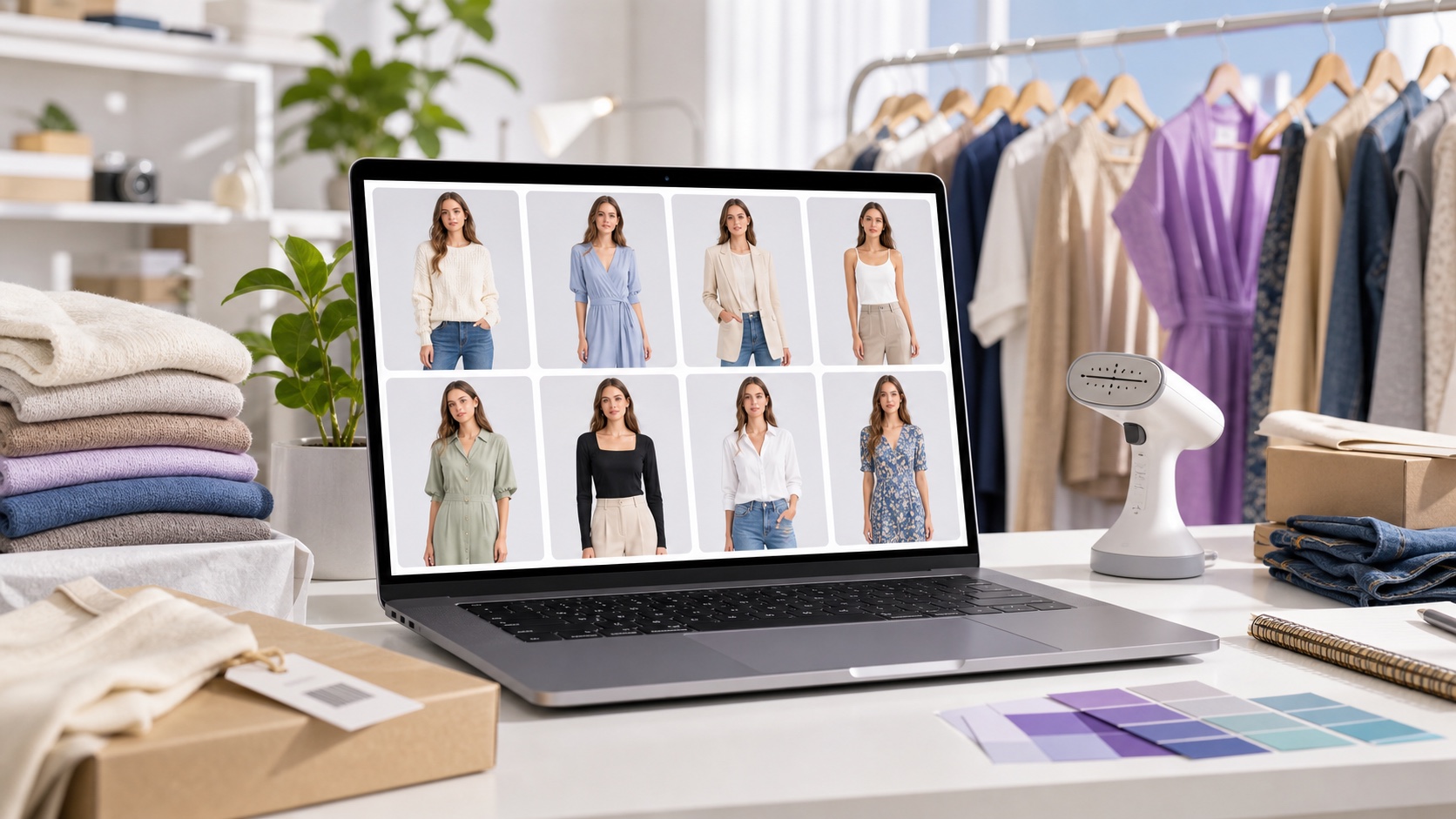
Comparison: best AI editors for fashion sellers (2026)
| Tool | Best for | On-model shots | Batch | Free to start |
|---|---|---|---|---|
| OutfitGen | Fast, affordable single shots | Yes | No | Yes, no signup |
| WearView | All-round catalog work | Yes | Yes | Free credits |
| FASHN | Catalog try-on | Yes | Some | free credits |
| Photta | Budget catalogs | Yes | Some | Free trial / paid starter tier |
| Vmake | Batch across models | Yes | Yes | Free credits |
Confirm current features and pricing on each site.
The best AI editors for sellers, explained
1. OutfitGen - fastest, most affordable start
OutfitGen is fashion-first, so it restyles outfits and generates model-style photos from a text prompt in seconds. It is free to start, then scales on low-cost credits, which makes it easier to test before committing to a catalog workflow. Best for: sellers who want professional-looking shots fast without a subscription commitment. Limitation: processes one image at a time and is weakest with multiple people per photo, so it's best for single-garment or single-model shots.
2. WearView - best all-round catalog tool
WearView combines clothing swap, model swap, and flat-lay-to-model in one workspace with consistent model identity across shots. Best for: building a coherent catalog. Limitation: heavier than a quick personal tool.
3. FASHN - catalog try-on with free credits
FASHN produces strong on-model catalog results and starts you with free credits. Best for: testing on-model output before committing. Limitation: oriented to sellers, so less suited to casual one-offs.
4. Photta - best budget option
Photta is positioned as a lower-cost catalog option for sellers who want on-model output without jumping straight into a larger production plan. Best for: cost-conscious sellers with modest volume. Limitation: lower-cost tiers usually mean tighter photo caps, so confirm the current plan details before building a workflow around it.
5. Vmake - best for batch
Vmake composites a flat-lay or mannequin garment onto preset AI models and can batch the same garment across multiple models in one pass. Best for: high-volume catalogs. Limitation: preset-model approach offers less bespoke styling.
What fashion sellers actually need
Sellers need listing photos that look professional and consistent, produced fast and cheaply - turning a flat garment or basic phone photo into a clean on-model image, repeatedly, across a catalog. A general editor can retouch, but a fashion-trained AI can restyle clothing and generate model-style shots, which is what moves conversion on marketplaces like Depop, Poshmark, eBay, Etsy, and Shopify.
Seller workflow from source photo to listing
- Photograph your item clearly (flat lay or plain background, even lighting).
- Upload it to your chosen tool - AI Product Photography is the fast OutfitGen path.
- Prompt for the look ("on a model, studio lighting, neutral background").
- Generate, pick the best result, and download for your listing.
- Reuse the same prompt/style across your catalog for consistency.
How to choose by seller size
The best tool changes as your catalog grows. A part-time reseller with ten items does not need the same system as a brand managing hundreds of SKUs. For small batches, the winning tool is the one that gets you a clean result quickly with little setup. For larger catalogs, the winning tool is the one that keeps model identity, lighting, crop, and background consistent across many products.
If you sell a few items each week, start with OutfitGen or another low-friction AI editor. You can test one image, prompt the outfit or model shot, and decide whether the result is listing-ready. The work stays simple: generate, download, upload to your marketplace, repeat.
If you run a mid-sized shop, consistency becomes more important. Buyers should feel like every image belongs to the same store. That means using the same crop, background, lighting, and prompt language for each product. WearView, FASHN, and Vmake become more relevant when you need repeatable catalog styling instead of one-off edits.
If you manage high-volume catalog production, batch tools matter most. The ability to process many garments, reuse a model set, and keep outputs uniform can save more time than a slightly cheaper per-image tool. In that case, evaluate export quality, queue speed, model consistency, and whether the workflow fits your catalog process.
Photo prep checklist for better seller images
AI is not magic over a bad source photo. A clear source image gives the model enough information to preserve fabric details and product shape.
| Prep step | Why it matters |
|---|---|
| Use even lighting | Reduces harsh shadows and strange color casts |
| Photograph the full garment | Prevents missing hems, sleeves, and edges |
| Keep the background simple | Helps the AI identify the product cleanly |
| Avoid heavy filters | Keeps fabric color closer to the real item |
| Capture texture close enough | Helps denim, knitwear, satin, and leather read correctly |
For resale sellers, a phone photo near a window is often enough. For store owners, a repeatable mini setup is better: same wall, same light, same distance, same crop. The more consistent the input, the easier it is to produce a consistent catalog.
Prompt templates for fashion sellers
Use prompts that describe the buyer-facing image, not just the edit. A seller prompt should include model context, background, lighting, and product fidelity.
| Listing goal | Prompt template |
|---|---|
| Clean marketplace photo | "on a model, neutral studio background, natural daylight, keep garment color and shape accurate" |
| Boutique catalog | "fashion catalog photo, model wearing the garment, soft studio lighting, clean white background" |
| Lifestyle listing | "model wearing the garment in a simple indoor setting, realistic fit, natural shadows" |
| Premium hero image | "on-model product photo, polished studio look, accurate fabric texture, same product details" |
| Consistent shop grid | "same crop, same neutral background, same lighting style as prior listing photos" |
Avoid prompts that over-style the garment beyond what you are selling. If the item is a simple cotton shirt, do not ask for luxury satin. If the product has a visible pattern, ask the AI to keep the pattern accurate and review the result closely.
Quality-control checklist before listing
Before uploading AI-edited product images, compare them with the real item. The garment color should be close enough that buyers are not surprised. The length, sleeve shape, neckline, closures, and pattern should match the product. If the AI invents pockets, buttons, or a different hem, regenerate or use a simpler prompt.
Check hands, collars, and seams. These are the areas where AI product photos can fail quietly. A listing may look attractive but still misrepresent the garment if the collar is reshaped or the sleeves become a different cut. Seller trust matters more than a dramatic image.
Finally, keep at least one straightforward product photo in the listing. AI on-model images help shoppers imagine fit, but a clear real garment photo supports accuracy. The strongest workflow uses both: honest product detail plus a polished on-model visual.
Marketplace-specific notes
Depop and Poshmark sellers usually benefit from personality and speed. A clean, styled on-model image can make a closet feel more professional without removing the seller's voice. eBay sellers often need clarity and trust, so avoid overly stylized edits that make the item look different from the shipped product. Shopify brands need consistency, because the catalog grid is part of the store's perceived quality.
For all marketplaces, read the platform's current image and authenticity policies. AI-generated or AI-edited images should not mislead buyers about condition, fit, brand, or included accessories. The safer approach is to use AI to improve presentation while keeping product facts accurate.
Image ratios, export, and catalog hygiene
Fashion sellers often lose time after generation because the image does not fit the final channel. Before you generate a large batch, decide the image ratio you need. Marketplace thumbnails often work best square or portrait. Shopify product pages may use a consistent square grid. Social posts may need vertical crops.
Generate with a little extra room around the model so you can crop without cutting off sleeves, hems, or shoes. If the source image is too tight, the AI may invent missing garment edges. A wider source gives the model and the final crop more room to work.
Use clear filenames when exporting. A file named black-midi-dress-model-front.jpg is easier to manage than a random download name. Keep original photos, AI outputs, and final cropped uploads in separate folders. This matters once you process dozens of listings and need to trace which image belongs to which item.
Measuring whether AI images are helping
Do not assume a more polished image is automatically better. Track basic signals after publishing: clicks, saves, questions from buyers, add-to-cart rate, and returns. If AI on-model images increase clicks but also increase returns, the images may be attractive but not accurate enough.
For sellers with enough volume, test a small group first. Publish a set of similar listings with your normal photos and another set with AI-assisted on-model images plus detail photos. Compare engagement over a few weeks. Keep the workflow if it improves buyer confidence without creating more questions or disputes.
For small sellers, qualitative feedback is enough. If buyers ask fewer fit questions, listings look more consistent, and you can publish faster, the tool is doing its job.
A simple starter stack
Most sellers do not need a complex stack on day one. Use one AI editor for on-model or outfit images, one background-cleanup workflow for simple product photos, and a repeatable file-naming system. That is enough to improve the shop grid without creating a new production burden.
As volume grows, add batch features only where they save real time. A tool that is powerful but slow to manage can be worse than a simpler tool that fits your weekly listing rhythm.
Best fit by seller type
This is for resale and small e-commerce sellers who need professional-looking listing photos on a budget. It's not for sellers who require deep marketplace API integration, or one-click automation of hundreds of SKUs (choose Vmake or WearView for the heaviest batch needs).
FAQ
What's the best AI photo editor for fashion sellers in 2026?
OutfitGen is best for fast, affordable on-model shots; WearView, FASHN, Photta, and Vmake are strong for larger catalogs and batch work.
When should a seller move from one-off AI edits to batch catalog tools?
Move to WearView, Vmake, or another batch tool when you need the same model style, crop, and lighting across dozens of products. Stay with a lighter tool when you only need a few listing images per week.
Which is cheapest for sellers?
OutfitGen is free to start. Photta and similar catalog tools can be good budget options, but pricing changes often, so confirm current plan details before choosing.
Does it work for Depop, Poshmark, eBay, and Etsy?
Yes - the same workflow applies across resale and e-commerce marketplaces.
Ready to try it yourself?
Get started with OutfitGen, 3 free generations, no sign-up required.
Try OutfitGen Free