Free AI Outfit Changers With No Account (2026): Ranked List
Published August 5, 2026 · OutfitGen Team
Last updated November 18, 2026
OutfitGen lets you try an outfit change on your own photo before signup: upload the portrait, describe the clothes or add a garment reference, then generate. Your first edit is free, with no account or credit card required. This ranked guide compares OutfitGen with other guest-access tools, account-based trials and research demos, so you can see exactly where each workflow begins.
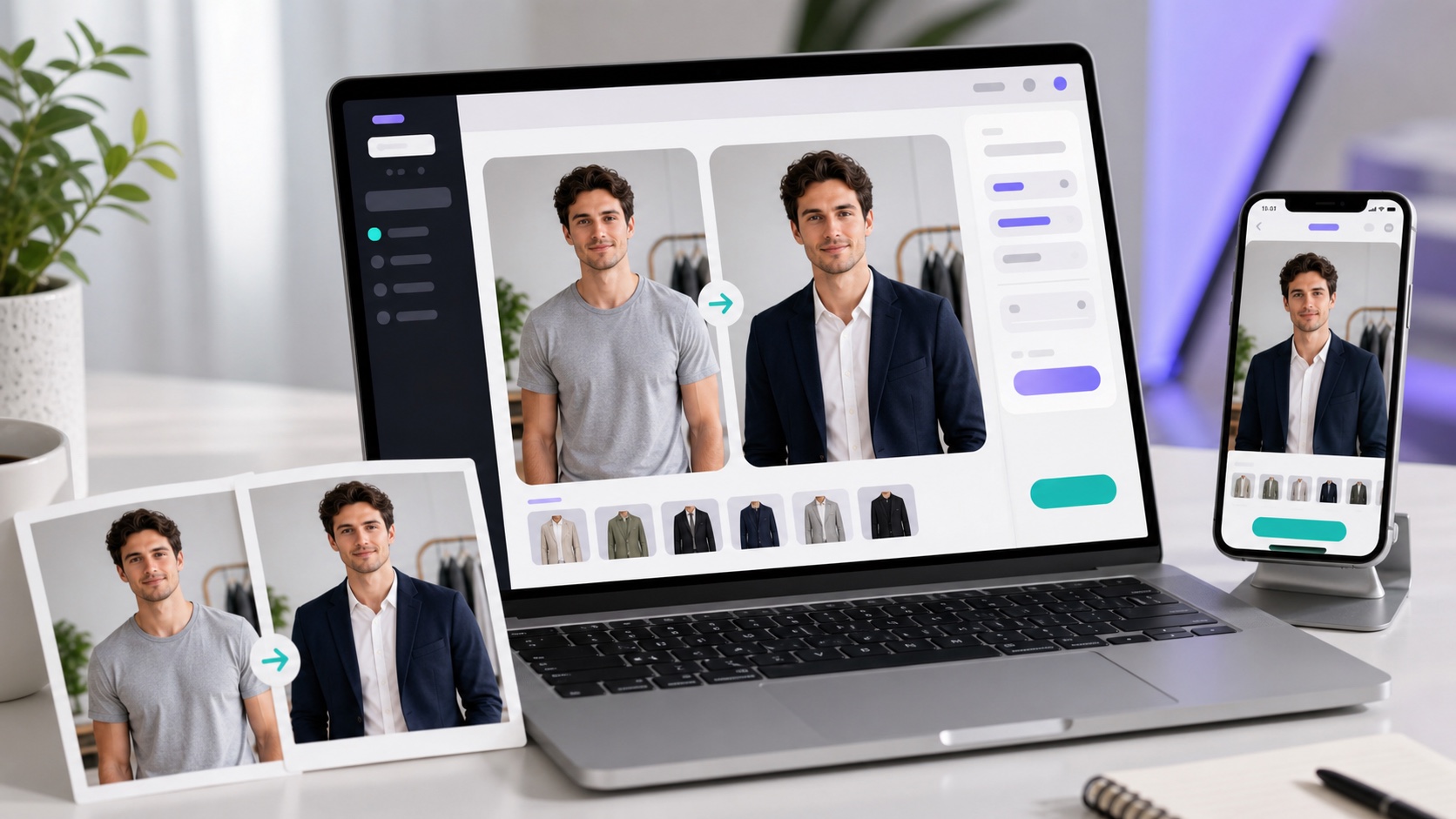
Comparison: free AI outfit changers (2026)
| Tool | Free before account? | Published free starting point | Outfit input |
|---|---|---|---|
| OutfitGen | Yes | First edit free, no card; a free account adds more free credits | Description, preset or garment photo |
| EditThisPic | Yes | Weekly guest preview; full-quality download paid | Written clothing request |
| Magic Hour | Yes | Daily guest swaps | Person photo and clothing photo |
| SandBase | Yes | Daily guest-image allowance | Preset style and optional details |
| AIClothesChanger.org | Yes | Basic free try-on for simple tops | Person photo and top reference |
| ClothMotion | Yes | Limited guest trials; account access is separate | Person photo and clothing photo, with optional details |
| Krea | Yes | Advertises a free tool without signup or a card | Person photo and garment photo |
| bitStudio | Yes | Free Turbo route with daily guest limits | Person photo and garment photo, optional instructions |
| Pincel | Account first | Starter-credit trial | Brush-and-prompt editing |
| FASHN | Account first | Account-based starter access | Fashion and garment-transfer workflows |
| Kolors Virtual Try-On | Research demo | Demo access rather than a consumer allowance | Person photo and garment photo |
Guest generation, signup credits and a research demo are different starting points. The comparison uses the linked publishers’ access descriptions reviewed in November 2026; each tool shows the allowance available when you use it.
The best free no-signup outfit changers, explained
1. OutfitGen - best overall, free with no signup
OutfitGen gives a personal clothing change its own browser workspace. Upload your portrait and choose Describe the look for an imagined suit, dress, jacket or casual outfit. Choose Upload a garment when you have a photo of the item you want to try. A preset can supply a starting description. Most results arrive in seconds.
Your first OutfitGen edit is free, with no account or credit card. A free account adds more free credits. The tool shows your available allowance, which can vary by tool and country. Compare the new look with the original and download the version you prefer. Best for: a person exploring a new outfit on their own photo, with dedicated pose, background and style tools available for another edit afterward.
2. EditThisPic - fast and free with no signup
EditThisPic publishes an upload, describe and generate workflow before signup. Its weekly guest edit shows the result on screen; the page distinguishes that preview from a paid full-quality download. Choose it when you want to preview another written-request interface before purchasing a download.
3. Magic Hour - guest try-on from a garment photo
Magic Hour’s Clothes Changer asks for a person image and a clothing image. Its published guest flow includes daily free swaps and choices for upper-body, lower-body or a full outfit. This suits a reader bringing a real garment image rather than inventing a look entirely in words.
4. SandBase - preset outfit choices before signup
SandBase’s outfit tool offers styles such as a business suit, streetwear or evening wear, with an optional details field. Its page publishes a daily no-signup allowance. Choose it for a preset-led starting point, then compare the generated result with the source photo.
5. AIClothesChanger.org - a basic top-reference trial
AIClothesChanger.org places a no-registration basic tool near the top of its page. You supply a person image and a top image. Its free basic route is explicitly scoped to simple, solid-color tops; the site describes its Pro route separately.
6. ClothMotion - a limited two-image guest trial
ClothMotion documents a person photo plus clothing photo workflow, with optional text details. Its page separates guest trials in standard slow mode from signed-in generation. Choose it when that two-image trial matches the outfit you want to preview.
7. Krea - a garment-reference tool before signup
Krea’s Clothes Changer has separate person and clothing uploads. Its tool page advertises free use without an account or card, then gives a three-step upload, reference and generate procedure. It suits a reader bringing a garment image rather than a written outfit idea.
8. bitStudio - a free Turbo garment swap
bitStudio offers person and outfit-image inputs, with optional custom instructions. Its tool shows a free Turbo quality route, while Standard and Max use credits. The page says its free tools work before signup with daily limits. This provides another guest garment-photo starting point, with account options for additional quality choices.
Account-based trials and the research demo
The following options stay in the comparison because their clothing workflows are useful, with a different starting-access requirement.
Pincel - free trial, precise control
Pincel’s pricing page offers starter credits to an account, with no card for that trial. Its clothes-editing guide describes selecting the clothing region and writing a replacement prompt. This is an account-based brush-and-prompt route.
FASHN - free credits
FASHN’s app gives new accounts starter credits. Its quick-start guide begins with signup, while the Try-On instructions explain the existing-person and garment-image workflow. The app trial is separate from FASHN’s paid API access.
Kolors Virtual Try-On - free demo
Kolors Virtual Try-On is the person-plus-garment research demo linked by the Kwai-Kolors project. It remains a research-access option here, separate from the published guest allowance and account services of a consumer editor.
Why "no account to start" matters
Requiring signup before you see any output means handing over your email before you know the result is good. A guest edit lets you see the workflow on your photo before supplying an email or choosing an account. OutfitGen lets you start with the image and clothing change: upload, choose an input, generate and compare. That first result gives you a concrete basis for deciding whether to continue.
The outfit input matters as much as access. A written request suits a style idea, a preset supplies a starting look, and a garment photo carries the design of a particular item. OutfitGen offers those choices together in its Clothes workspace.
What evidence supports recognizable outfit edits?
OutfitGen publishes research on the editing jobs behind its workflow. Its September 14, 2026 model study, updated October 27 compared four configurations across 11 cases, with three runs per case and 132 outputs judged with entry names hidden. The tested configurations retained the specified identity markers across 36 portrait-stress runs.
For your own first edit, keep the original nearby and compare the person, clothing and scene in the result. The guest edit lets you try the current OutfitGen workflow directly on your portrait.
No-signup outfit workflow
- Open OutfitGen’s AI Clothes Changer.
- Upload one clear photo of the person you want to restyle.
- Choose Describe the look for a written outfit, select a preset for starting wording, or choose Upload a garment for a specific item.
- Generate your first edit free, then compare it with the original. The tool shows the allowance available to you.
- Download your preferred version. Create a free account when you want more free credits. Signed-in users can also try Pro with credits.
Best fit
OutfitGen’s no-account entry suits an individual trying a new personal style, changing a profile photo’s clothes or making an outfit variation for a social post. Begin with one portrait and the clothing idea or garment you want to try. Use the same original upload when comparing another look.
For a particular shopping item, OutfitGen Virtual Try-On opens the garment-photo route. For an imagined look, start with a short description in the Clothes Changer.
FAQ
Is there a free AI outfit changer with no account?
Yes! OutfitGen’s first edit is free before signup, with no account or card. The other guest-access options in this guide offer written-request, preset or garment-photo routes, each with its own published allowance.
How many free edits do I get before signing up?
Your first OutfitGen edit is free, and a free account adds more free credits. The tool shows the allowance available to you, which can vary by tool and country. Other services publish daily, weekly or total guest trials, so compare the starting route rather than treating every free offer as unlimited use.
Does OutfitGen's no-signup trial require a credit card?
No. Your first OutfitGen edit requires neither an account nor a credit card. Upload the photo and try the clothing change before choosing account options.
Can I download OutfitGen images without a watermark?
Yes! Every paid plan downloads watermark-free. Current paid options are listed on OutfitGen's pricing page.
Can I change clothes without changing who is in the photo?
Yes! OutfitGen lets you restyle the uploaded person while keeping them recognizable: describe the new clothes or upload a garment photo. In OutfitGen's September 14, 2026 model study, updated October 27, the four tested configurations retained the specified identity markers across all 36 portrait-stress runs.
Can I use OutfitGen on my phone?
Yes! OutfitGen runs in a mobile browser as well as on desktop. Upload the portrait from your phone and make your first edit free before signup.
Try OutfitGen’s no-account Clothes Changer. Your first edit is free, with no account or credit card required.
Ready to try it yourself?
Get started with OutfitGen. Your first edit is free, no sign-up required.
Try OutfitGen Free