How to Make Depop Listings Look Professional Without a Photographer (2026)
Published July 28, 2026 · OutfitGen Team
Depop listings look more professional when the photos are clean, consistent, and easy to understand at a glance. AI photo tools can help resellers get that look without booking a photographer.
Good tools for reseller listings include OutfitGen (fast, free to start), WearView (flat-lay-to-model with consistent models), and Vmake (batch a garment across preset models). Any of these gives you polished photos without booking a photographer.
Why listing photos decide Depop sales
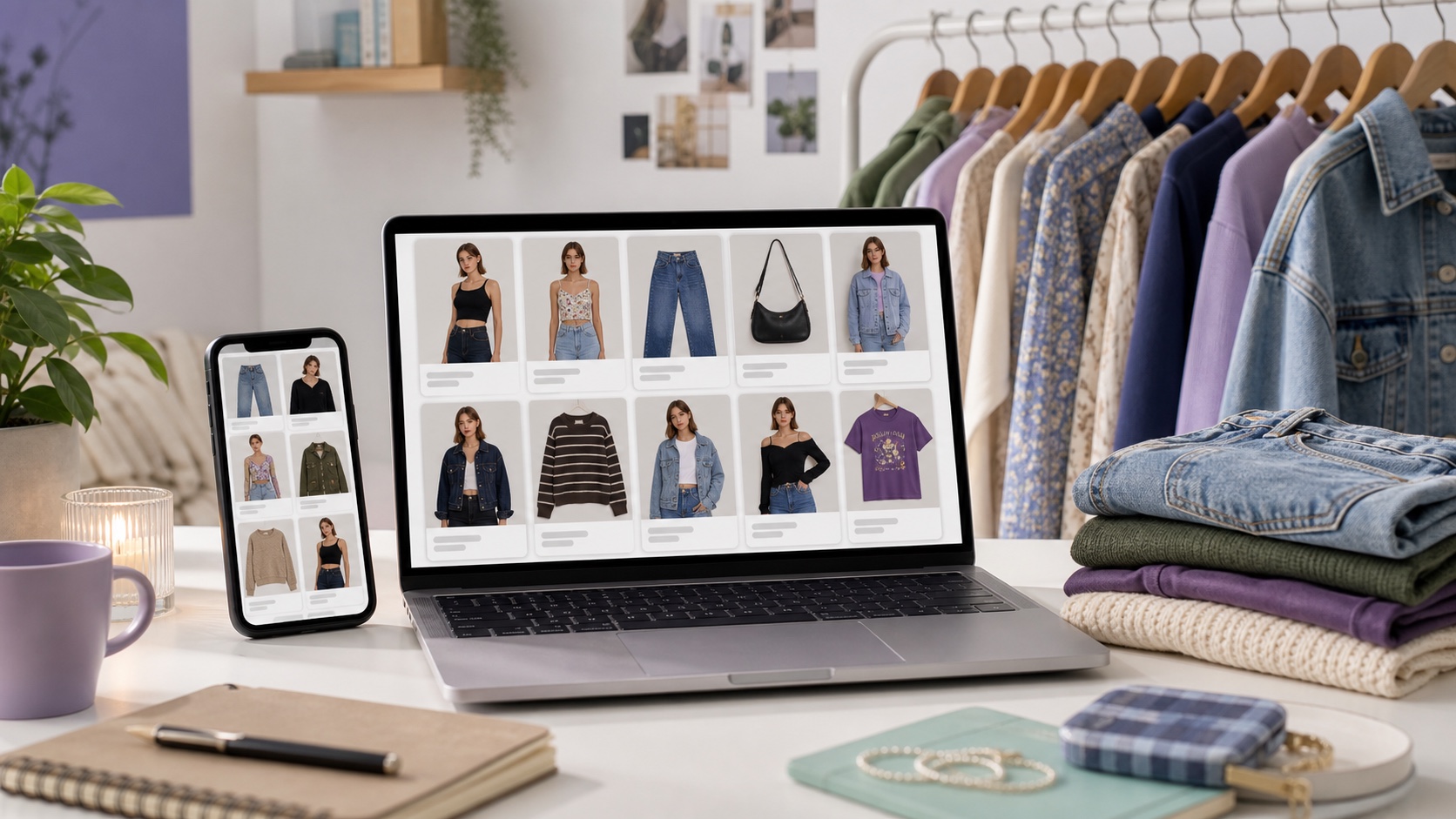
On Depop, the photo is the product page - buyers scroll fast and judge quality in a second. Professional-looking shots (clean background, good lighting, on-model fit) build trust and justify higher prices, while cluttered phone snaps get skipped. You don't need a photographer to get there; an AI tool can standardize your images cheaply.
What "professional" looks like on a listing
| Amateur listing | Professional listing |
|---|---|
| Cluttered background | Clean, consistent background |
| Flat-lay only | On-model or styled shot |
| Uneven lighting | Even, bright lighting |
| Inconsistent look across items | Uniform style across the shop |
Depop photo workflow with AI
- Photograph the item clearly - flat lay or on a plain wall, in good daylight.
- Upload to AI Product Photography (or WearView / Vmake for batch).
- Prompt for the look ("on a model, clean studio background, soft lighting").
- Generate, choose the best result, and download.
- Reuse the same prompt style so your whole shop looks consistent.
Tips resellers use
Keep a consistent background and lighting prompt across every item so your shop grid looks cohesive - consistency reads as "professional" more than any single photo. Show the true color and fit accurately; AI should upgrade presentation, not misrepresent the item, which protects you from returns and bad reviews. For higher volume, WearView and Vmake let you keep a consistent model identity across many listings.
Best fit for resale sellers
This is for Depop, Poshmark, and Vinted resellers who want polished listings on a budget. It's not for sellers who need to misrepresent an item's real condition - AI should improve presentation honestly, not fake the product.
FAQ
How do I make Depop photos look professional without a photographer?
Use an AI tool like OutfitGen, WearView, or Vmake to create clean, on-model, consistently styled images from your phone photos.
Can AI put my clothing item on a model?
Yes - these tools generate an on-model style shot from a flat-lay or plain photo.
Will consistent photos actually help sales?
A cohesive, professional-looking shop builds buyer trust and supports higher prices, which tends to help conversion.
What real photos should I still include?
Keep at least one unedited product photo, plus close-ups of labels, condition, fabric, and flaws. The AI image should help the listing look styled, not replace evidence of the actual item.
Ready to try it yourself?
Get started with OutfitGen. Your first edit is free, no sign-up required.
Try OutfitGen Free