More ideas from one photo: meet versions and My saved edits
Published September 7, 2026 · OutfitGen Team
OutfitGen's latest update makes it easier to explore several edits from one original photo. Try another version, revisit the results from your current session, and download the one you want. With My saved edits, you can also keep a favorite description and its settings ready for your next photo.
More time trying ideas. Less time setting everything up again!
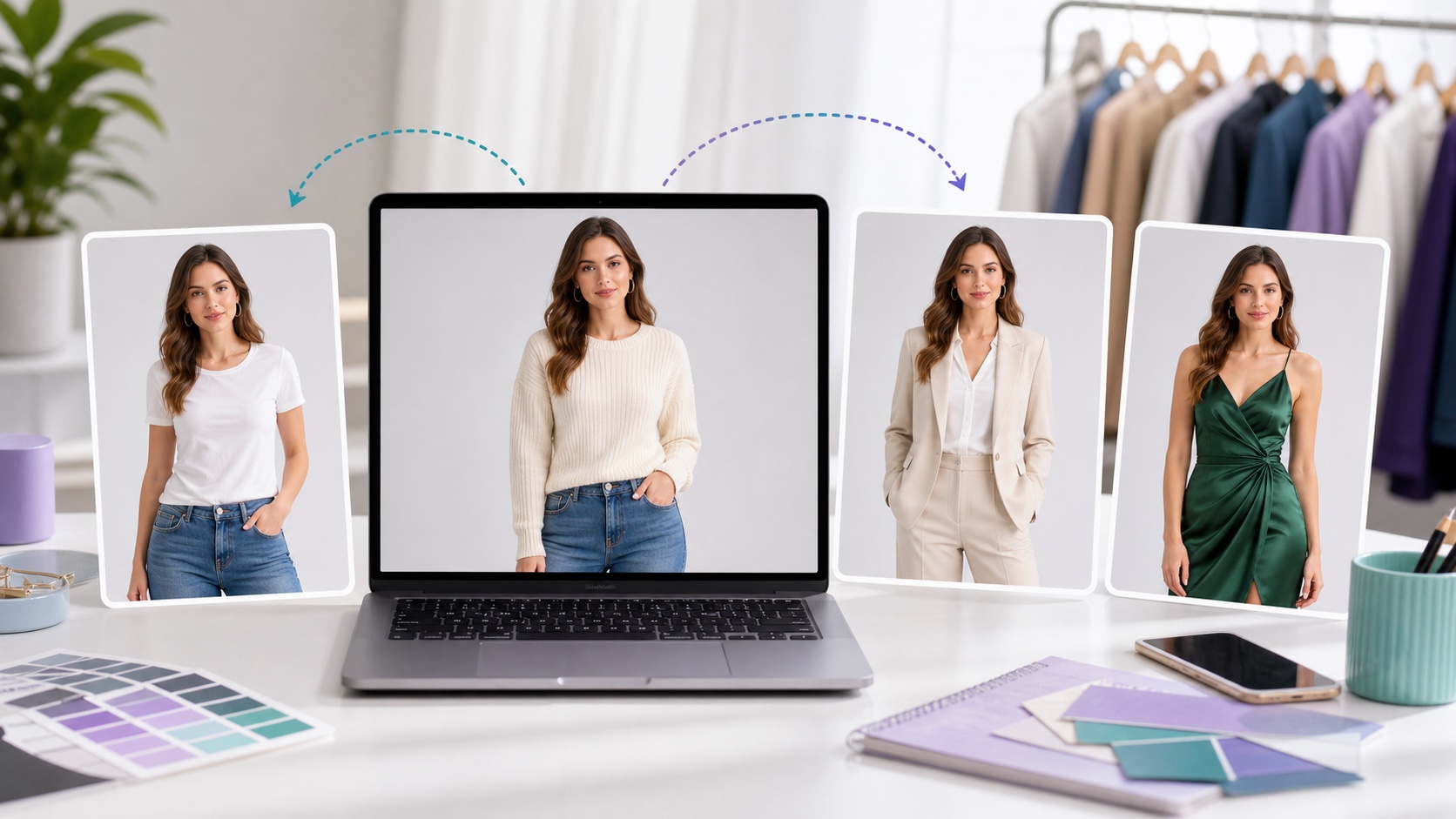
One photo can be the starting point for many ideas. Editorial illustration.
Keep exploring the same photo
Sometimes the first result gives you a new idea. A different jacket. A softer background. A small change to the description that makes the next version feel more like you.
Now you can keep working from your original photo while your recent versions stay within reach. Select a thumbnail to see that result larger, then download it when you're ready. You can look back at another version without generating it again.
Your original upload stays the starting point as you explore. To try a different direction, change the description in the editor and generate a new result.
The version strip is for your current editing session. Download the results you want to keep; History remains the place to find your previous completed edits.
Save a favorite edit for the next photo
Found a description you want to use again? Save it in My saved edits and give it a name you'll recognize, such as "Black blazer" or "Warm studio background."
Your saved edits are private to your account. They save the description and supported settings, so you can choose them again without remembering or retyping everything. Photos and generated images aren't part of a saved edit.
For example, you might find an outfit description you like in the AI clothes changer. Save it, choose your next photo, then apply that saved edit and make any adjustments you want. You can return to your saved settings when you sign in again.
Keep the version you like
Select a result and use Download to keep it. If you want two different looks, download each one. You can choose a previous version while staying in the same editing flow.
The goal is simple: make it easier to get from "I want to try this" to a photo you want to keep. Your next idea shouldn't require starting over.
Tell us what would make OutfitGen better
There's also a new Feedback option in the app. Tell us about a bug, a feature you'd like, or something that feels harder than it should.
Open Feedback, write what's on your mind, and send it.
We're excited to see what you make next. Open OutfitGen and try the update.
Ready to try it yourself?
Get started with OutfitGen. Your first edit is free, no sign-up required.
Try OutfitGen Free